SEO results can be difficult to explain when keyword rankings, organic traffic, backlinks, and conversions are scattered across different platforms. Which pages are gaining visibility? Why has traffic declined? Are your SEO activities producing meaningful results? Without clear reporting, answering these questions takes time and makes it harder to communicate progress to clients or stakeholders.
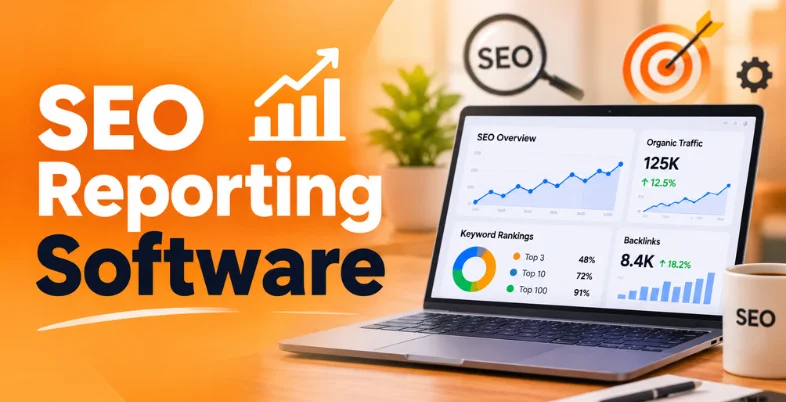
SEO reporting software brings important performance data into organized reports and dashboards. The right tool helps you identify trends, explain results, and decide what to improve next. This guide compares some SEO reporting tools based on their features, integrations, reporting capabilities, and pricing.
What Is SEO Reporting Software?
SEO reporting software collects website search performance data and presents it through reports, charts, and dashboards. It helps businesses track keyword rankings, organic traffic, backlinks, and technical SEO issues without manually compiling data from different sources.
For example, Google Search Console reports four key search metrics: clicks, impressions, click-through rate (CTR), and average position. SEO reporting tools help organize such data so teams can understand performance changes and make informed decisions.
Which SEO Metrics Should You Track?
Tracking the right SEO metrics helps you understand whether your website is gaining visibility, attracting relevant visitors, and supporting business goals. Focus on these key areas to measure performance and identify opportunities for improvement.
- Organic Traffic: Organic traffic measures visits from unpaid search results. Monitor traffic trends and landing-page performance to identify which pages attract visitors and where content improvements may be needed.
- Keyword Rankings: Keyword rankings show where your pages appear for target search terms. Tracking position changes helps you evaluate search visibility and identify keywords that may need further optimization.
- Clicks, Impressions, and CTR: Clicks measure visits from search results, while impressions show how often your pages appear. CTR represents the percentage of impressions that generate clicks. Reviewing these metrics together helps you understand how search listings perform.
- Backlink Performance: Backlink reports show links pointing to your website and changes in referring domains. Reviewing link quality and relevance helps you assess link-building efforts and identify unusual changes in your backlink profile.
- Technical SEO Health: Technical SEO metrics highlight issues such as broken links, redirect errors, duplicate pages, and missing metadata. Teams can find issues that could impact crawling, indexing, or page quality by doing routine inspections.
- Conversions and Business Results: Track organic leads, purchases, sign-ups, or other meaningful actions to understand the business value of search traffic. These metrics assist you in determining whether SEO draws visitors who engage in the desired activities for your company.
List Of 10 Best SEO Reporting Software
1. Semrush
- Website: https://www.semrush.com/
- Best For: All-in-one SEO suites and multi-channel strategies
- Key Features: Comprehensive keyword research, position tracking, site audits, competitor analysis, and built-in customizable client reporting
- SEO Metrics & Performance Tracking: Monitors keyword rankings, backlink profiles, organic traffic, and domain authority in real time
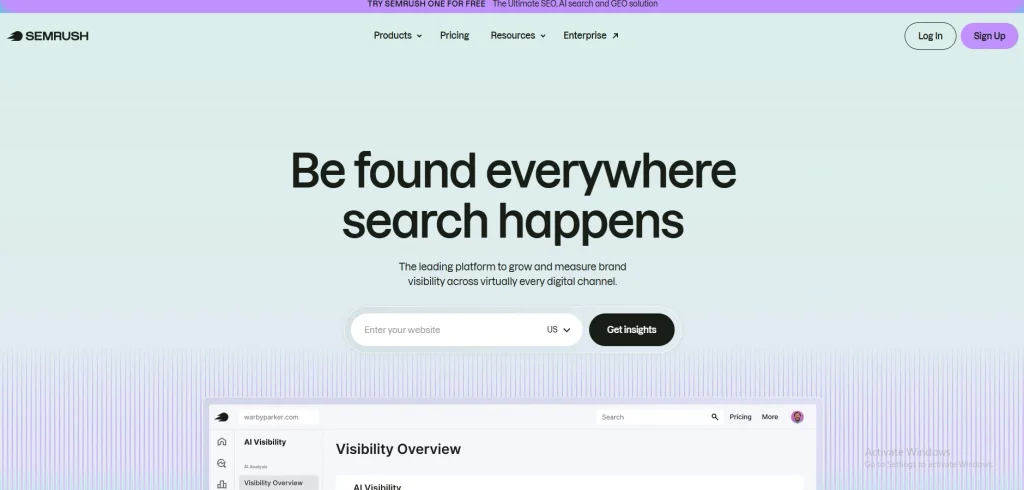
Semrush is an SEO software that integrates position tracking, competitor analysis, keyword research, and site auditing. Its tools help you monitor keyword rankings, examine competitors’ organic search performance, analyze backlinks, and identify technical website issues. You may arrange SEO data into reports using customizable reporting options, which facilitates reviewing search performance and sharing results with your team or clients.
Pros:
- Massive keyword database
- Comprehensive competitor analysis
- Accurate backlink tracking
- All-in-one marketing toolkit
- Automated SEO reporting
Cons:
- Expensive pricing tiers
- Steep learning curve
- Add-on fees for extra users
- Clunky mobile interface
- Inaccurate search volume estimates
Pricing:
- Free: $0
- SEO: $139.95 / $117.33
- Starter + AI Search: $199.95 / $165.17
- Pro+ + AI Search: $299.00 / $248.17
- Advanced + AI Search: $549.00 / $455.67
- Enterprise: Custom pricing
2. Ahrefs
- Website: https://ahrefs.com/
- Best For: Backlink analysis and technical link-building data
- Key Features: Industry-leading backlink database, site audits, keyword explorer, and rank tracking
- SEO Metrics & Performance Tracking: Tracks organic search traffic, keyword rankings, backlink profiles, domain authority, and site health
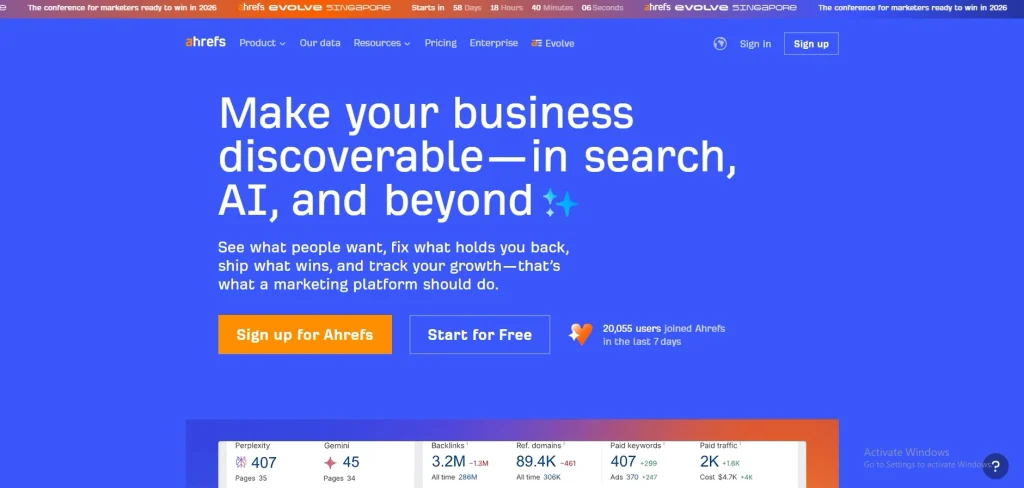
Ahrefs specializes in SEO research, with tools for backlink analysis, keyword discovery, competitor research, rank tracking, and website audits. If you’re comparing ahrefs alternatives, consider the features and pricing that best match your SEO requirements. Site Explorer provides insights into backlink profiles and estimated organic search performance, while Keywords Explorer helps identify relevant search opportunities. Site Audit detects technical issues, and Rank Tracker monitors keyword positions, supporting ongoing SEO analysis and performance reporting.
Pros:
- Massive backlink database
- Accurate keyword tracking
- Powerful competitor analysis
- Frequent data updates
- Intuitive UI design
Cons:
- Very expensive pricing
- Restrictive credit system
- No mobile app
- Steep learning curve
- Limited free trial options
Pricing:
- Ahrefs Free: $0/month (verified sites only)
- Starter: $29/month
- Lite: $129/month
- Standard: $249/month
- Advanced: $449/month
- Enterprise: $1,499/month
3. AgencyAnalytics
- Website: https://agencyanalytics.com/
- Best For: Multi-client digital marketing agencies
- Key Features: Dedicated client reporting hub that aggregates data from 80+ marketing and SEO platforms into automated, white-labeled reports
- SEO Metrics & Performance Tracking: Consolidates organic traffic, keyword rankings, backlinks, and AI search visibility into automated client dashboards
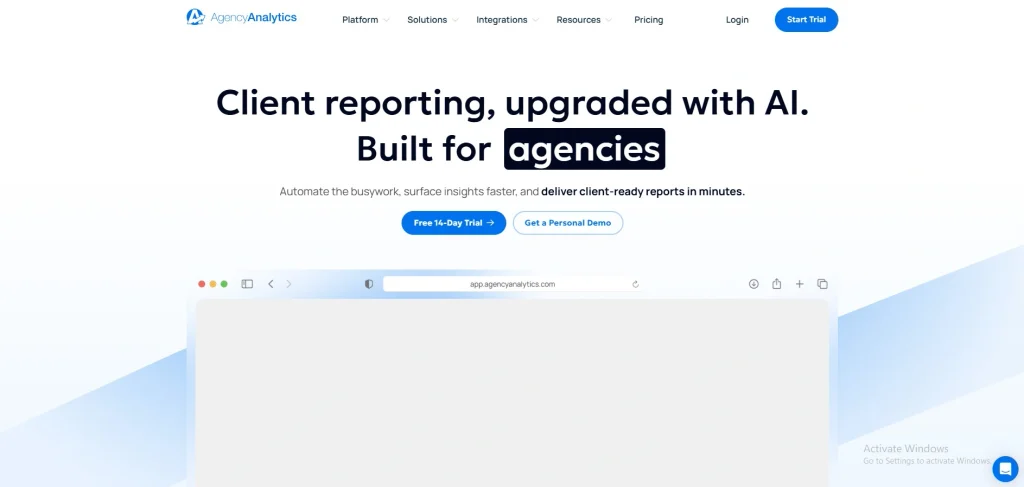
Marketing firms that need to report outcomes across several client accounts are the target audience for AgencyAnalytics. It connects supported SEO and marketing platforms to centralized dashboards, allowing teams to review campaign data in one place. White-label reporting, customizable dashboards, and scheduled report delivery help you present performance under your agency’s branding and manage recurring client updates more efficiently.
Pros:
- Over 85 data integrations
- Fully white-labeled client portals
- Unlimited staff and client users
- Automated, scheduled email reports
- Automated AI-powered performance insights
Cons:
- Expensive per-client scaling model
- No permanent free tier available
- Key features require paid add-ons
- No official dedicated mobile application
- Limited deep, custom data modeling
Pricing:
- Core Plan: $20 per client/month (billed annually) or $25 per client/month (billed monthly)
- Enterprise Plan: Custom pricing (tailored for agencies managing 25+ clients)
4. Whatagraph
- Website: https://whatagraph.com/
- Best For: Visually stunning, cross-channel agency reporting
- Key Features: Governed data layer, linked visual templates, AI-powered summary insights, and multi-channel integration
- SEO Metrics & Performance Tracking: Consolidates multi-channel organic search data into automated, visual client dashboards
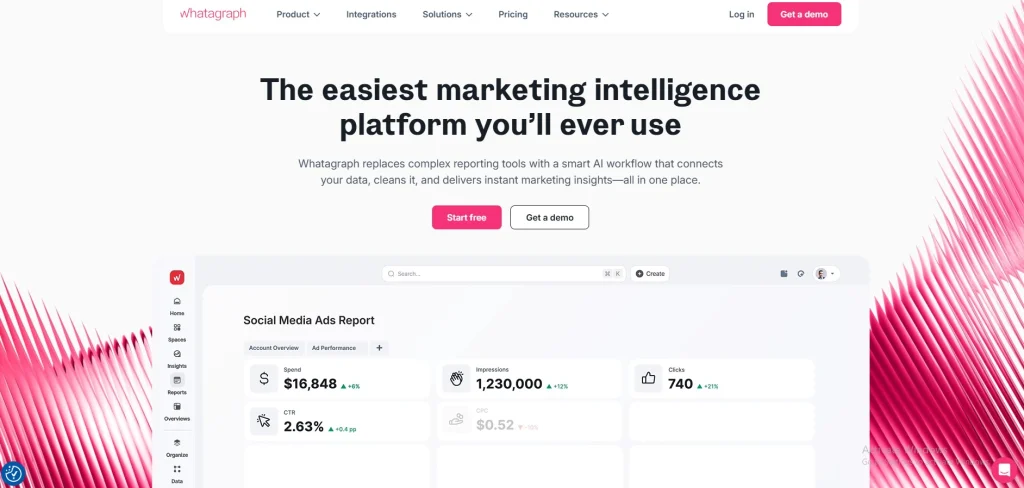
Whatagraph brings marketing data from connected platforms into visual reports and dashboards. Its features include data blending, customizable report templates, cross-channel reporting, and AI-assisted summaries. Teams can combine information from different marketing sources and maintain consistent reporting layouts across projects. Because of this, Whatagraph could potentially be used to present SEO performance along with other digital marketing outcomes in reports that are easy to read and visually appealing.
Pros:
- Intuitive drag-and-drop builder
- Pre-made automated templates
- Multi-source data blending
- Fast, responsive live support
- Complete white-label customization
Cons:
- High annual entry cost
- Rigid grid layout limits
- Occasional data connector disconnects
- Limited third-party platform integrations
- Steep initial learning curve
Pricing:
- Free Plan: €0 (includes 5 basic source credits)
- Start Plan: From ~$229 to €249/month (includes 20 source credits)
- Boost Plan: From ~$463 to €624/month (unlocks advanced SEO integrations & white-labeling)
- Max Plan: From €699/month, billed annually (includes 50+ source credits)
- Prime Plan: Custom enterprise pricing
5. SE Ranking
- Website: https://seranking.com/
- Best For: Budget-conscious agencies and reliable rank tracking
- Key Features: Multi-engine rank tracking, technical site audits, backlink monitoring, and white-label client reports
- SEO Metrics & Performance Tracking: Tracks Core Web Vitals, backlink health, mobile traffic, and daily keyword rankings across major search engines and AI platforms
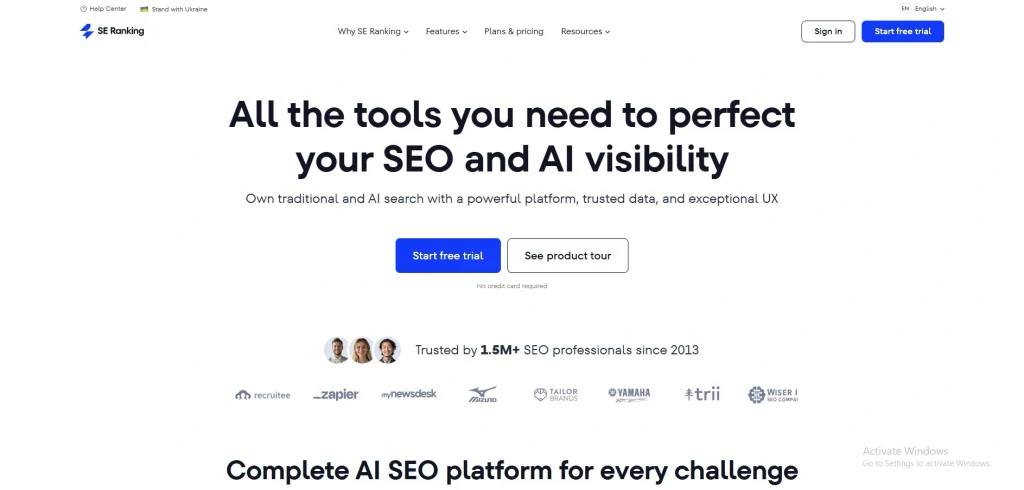
SE Ranking offers a collection of SEO tools covering keyword research, rank tracking, competitor analysis, backlink monitoring, and website audits. Its features help you follow keyword position changes, examine competing websites, evaluate backlink profiles, and identify technical SEO issues. Reporting options support performance analysis and client communication, while agency-focused capabilities help teams manage SEO reporting across multiple projects.
Pros:
- Affordable compared to major competitors
- Intuitive and user-friendly interface
- Daily keyword rank updates on all tiers
- Forward-looking tracking for AI search visibility
- Clean white-label reporting options for agencies
Cons:
- Smaller backlink and keyword databases
- Aggressive hidden costs for crucial add-ons
- Occasional data drift in tracked ranking accuracy
- Complex navigation for advanced sub-modules
- Limited depth for complex enterprise audits
Pricing:
- Core: $103.20 / month (billed annually) or $129 / month (monthly)
- Growth: $279 per month (monthly) or $223.20 per month (paid annually)
- Enterprise: Custom pricing based on data needs
6. DashThis
- Website: https://dashthis.com/
- Best For: Simple, automated dashboard reporting
- Key Features: Automated periodic SEO reports, pull-in integrations from multiple SEO tools, and AI insights across plans
- SEO Metrics & Performance Tracking: Automatically aggregates multi-channel organic data into clean, client-ready visual dashboards
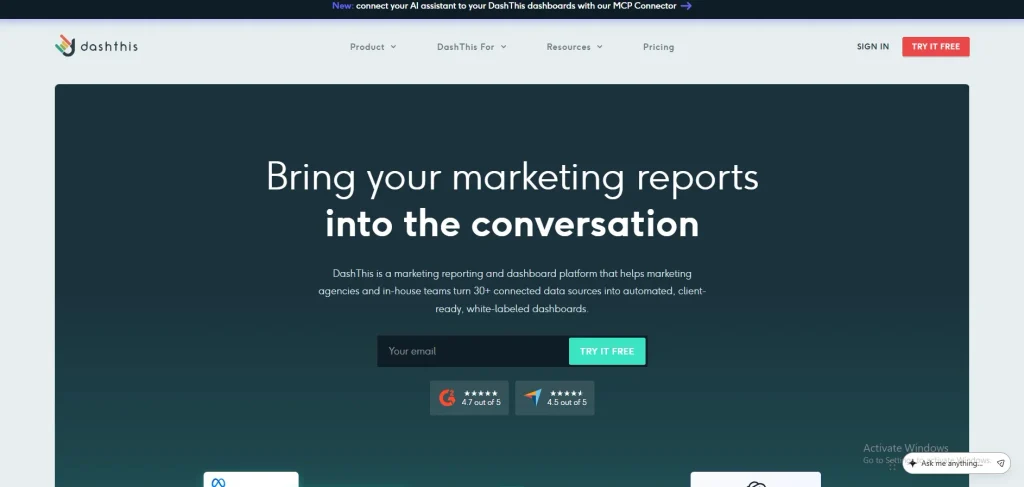
DashThis focuses on simplifying recurring marketing reports through customizable dashboards, ready-made templates, and integrations with supported data sources. It can bring SEO and website analytics metrics into a shared reporting view, reducing the need to compile information manually. Scheduled delivery helps keep reports up to date, making the platform useful for presenting campaign performance to clients or internal teams.
Pros:
- Fast, template-based setup
- Intuitive drag-and-drop interface
- Unlimited users across plans
- Robust multi-source data blending
- Built-in automated AI insights
Cons:
- Rigid dashboard tier caps
- Limited advanced layout customization
- Occasional connection sync lag
- Fewer integrations than competitors
- White-labeling locked behind upgrades
Pricing:
- Individual Plan: $44/month (3 dashboards, 15 sources)
- Professional Plan: $139/month (10 dashboards, 40 sources)
- Business Plan: $279/month (25 dashboards, 100 sources)
- Standard Plan: $429/month (50+ dashboards, 6000+ sources)
7. Databox
- Website: https://databox.com/
- Best For: Real-time KPI dashboards and conversational analytics
- Key Features: Live performance tracking, interactive scorecards, and a built-in AI data analyst for instant metric breakdowns
- SEO Metrics & Performance Tracking: Consolidates multi-source SEO KPIs into live dashboards, automating progress monitoring and AI-powered performance summaries
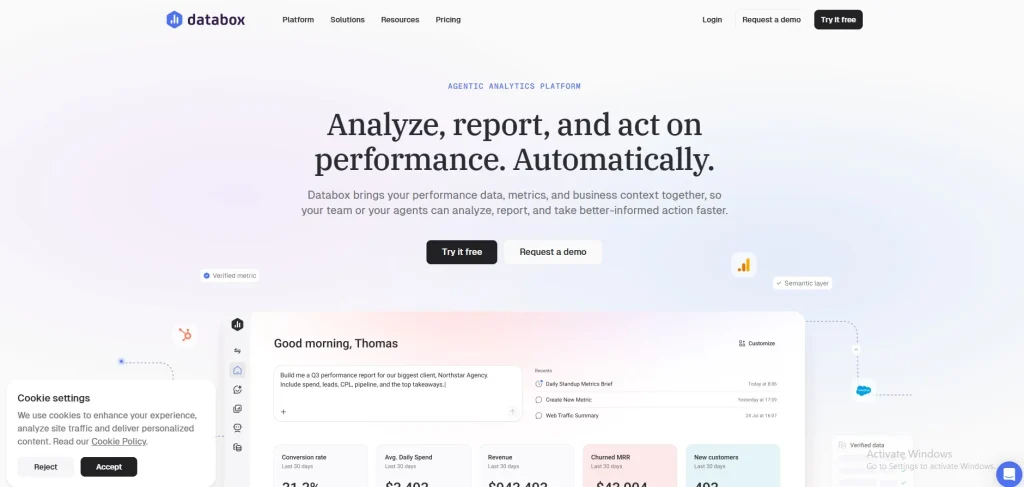
Databox provides customizable dashboards, KPI scorecards, goal tracking, and data integrations for monitoring business and marketing performance. Connected SEO and analytics metrics can be displayed alongside other business indicators, helping teams review trends and progress toward targets. Alerts and AI-assisted analytics features support performance monitoring, while dashboards make key results easier to review without switching between multiple data platforms.
Pros:
- Fast and intuitive dashboard setup
- Over 130 native cloud integrations
- Excellent mobile app and TV support
- Built-in plain-English AI data analyst
- Unlimited user seats on paid tiers
Cons:
- Strict data source tier limitations
- Occasional connection and metric breakage
- Lack of raw SQL data manipulation
- Highly restricted formatting and customization controls
- Price scales up fast with add-ons
Pricing:
- Free: $0/month
- Analyst: $64/month
- Pro: $159/month
- Growth: $399/month
8. Looker Studio
- Website: https://datastudio.google.com/navigation/reporting
- Best For: Free custom-built reporting
- Key Features: Native free integration with Google Search Console, Google Analytics, and Google Ads to build personalized report templates
- SEO Metrics & Performance Tracking: Aggregates organic traffic, keyword rankings, click-through rates, and backlinks into automated, customizable SEO dashboards
Looker Studio transforms connected data into interactive reports and customizable dashboards. Its Google connectors allow you to visualize data from sources such as Google Search Console and Google Analytics using charts, tables, and filters. Reports can compare date ranges and be shared with teams or clients. Depending on the reporting requirements, additional setup or partner connectors may be needed for other data sources.
Pros:
- Free core reporting
- Real-time automated data
- Native Google ecosystem connectors
- Highly customizable drag-and-drop dashboards
- Unlimited free dashboard viewers
Cons:
- Paid third-party SEO connectors
- Periodic dashboard loading lag
- Multiplication of per-project fees
- No internal data storage
- Limited advanced customer support
Pricing:
- Looker Studio (Standard Version): $0 / free
- Looker Studio Pro Plan: $9 per user, per Google Cloud project, per month
9. Moz Pro
- Website: https://moz.com/
- Best For: Domain Authority tracking and SEO indicators that are easy for beginners to use
- Key Features: Keyword explorer, rank tracking, page optimization checklists, and site health trend reports
- SEO Metrics & Performance Tracking: Tracks keyword rankings, link profiles, site audits, and page optimization to measure search visibility
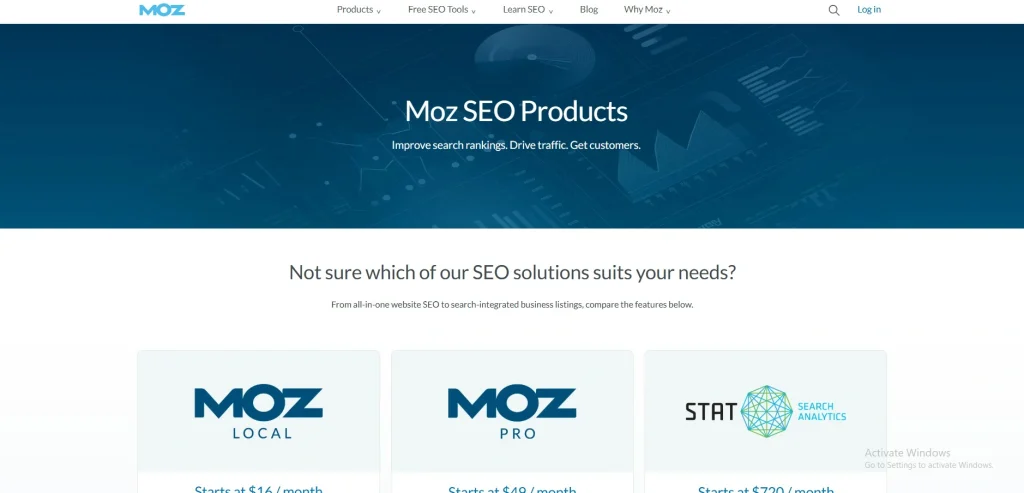
Moz Pro brings together keyword research, rank tracking, link analysis, and site crawling to support SEO optimization. Keyword Explorer helps identify search opportunities, while Rank Tracking monitors keyword positions over time. Site Crawl highlights technical issues that may need attention. Moz also provides Domain Authority, a comparative metric based on link-related signals that helps assess and compare websites, rather than a Google ranking factor.
Pros:
- Domain Authority metric
- Large link index
- Actionable audit recommendations
- Excellent educational resources
- Intuitive keyword research
Cons:
- Outdated user interface
- High cost for small businesses
- Slow data crawling speed
- Limited competitor analysis depth
- Strict campaign limits on lower tiers
Pricing:
- Starter: $49/month
- Standard: $99/month
- Medium: $179/month
- Large: $299/month
- Premium: $599/month
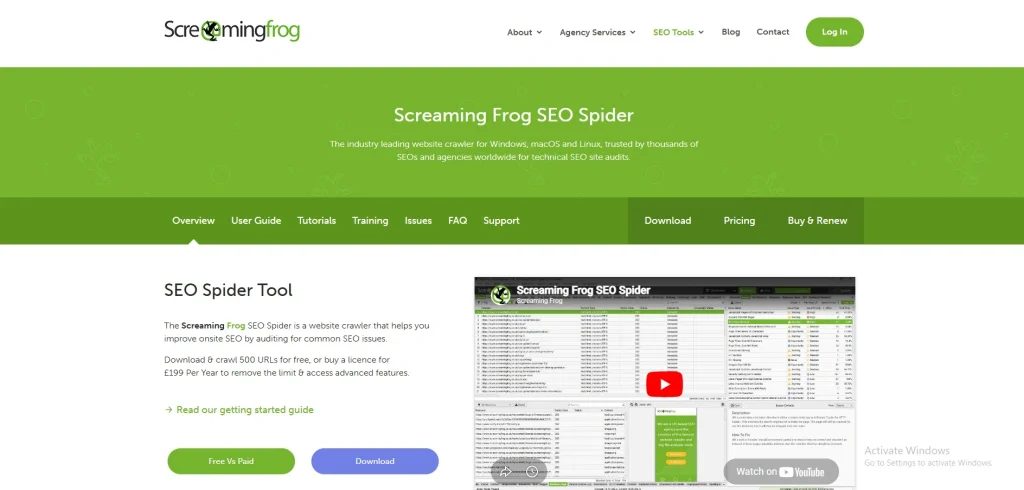
10. Screaming Frog SEO Spider
- Website: https://www.screamingfrog.co.uk/seo-spider/
- Best For: Deep technical site audits and crawl reporting
- Key Features: Detailed analysis of broken links, duplicate content, page titles, response codes, and visual site architecture
- SEO Metrics & Performance Tracking: Tracks technical SEO errors, indexing health, broken links, redirects, on-page metadata, and Core Web Vitals
Screaming Frog SEO Spider is a website crawler built for technical and on-page SEO analysis. It identifies broken links, redirects, duplicate content, missing page titles, metadata issues, and internal-linking problems. The tool also helps examine website structure and export crawl data for further analysis. Its detailed crawling capabilities make it particularly valuable for technical SEO audits rather than ongoing keyword or traffic reporting.
Pros:
- Deep technical site crawling
- Advanced JavaScript rendering
- Robust custom data extraction
- Seamless API tool integrations
- Highly cost-effective annual rate
Cons:
- Desktop-only software architecture
- Steep initial learning curve
- No built-in cloud collaboration
- Lacks native white-label reporting
- Heavy local computer resource usage
Pricing:
- Free Plan: $0 / year (Limits crawls up to 500 URLs)
- Paid License: $279 / year per user (Unlocks unlimited crawling and advanced features)
SEO Reporting Tools: Feature Comparison
| Software | Best For | Key Reporting Features | Starting Price |
| Semrush | All-in-one SEO | Custom reports, rank tracking, site audits | Free; paid from $139.95/month |
| Ahrefs | Backlink analysis | Backlink reports, keyword research, rank tracking | Free limited access; paid from $29/month |
| AgencyAnalytics | Marketing agencies | White-label reports, automated dashboards | $20/client/month (annual billing) |
| Whatagraph | Visual marketing reports | Data blending, report templates, AI summaries | €699/month (billed annually) |
| SE Ranking | SEO teams and agencies | Rank tracking, site audits, client reports | $103.20/month (billed annually) |
| DashThis | Automated dashboards | Report templates, scheduled delivery | $44/month |
| Databox | KPI monitoring | Live dashboards, scorecards, AI insights | Free; paid from $64/month |
| Looker Studio | Free custom reporting | Interactive dashboards, Google integrations | Free |
| Moz Pro | SEO research and tracking | Keyword reports, rank tracking, site audits | $49/month |
| Screaming Frog SEO Spider | Technical SEO audits | Crawl reports, broken links, metadata checks | Free up to 500 URLs |
Suggested Read:
How To Choose The Right SEO Reporting Software
Performance data should be simpler to comprehend and distribute with the appropriate SEO reporting tools. Before choosing a platform, consider your reporting goals, essential metrics, and budget to find a tool that fits your workflow.
- Identify Your Reporting Needs: Decide whether you need keyword tracking, technical audits, traffic analysis, or client-ready reports. A clear list of priorities helps you avoid paying for features that do not support your goals.
- Check Available Metrics: Make sure the software tracks the SEO indicators that matter to you, such as organic traffic, keyword rankings, backlinks, and conversions. Some platforms collect data directly, while others rely on connected tools.
- Review Data Integrations: Check whether the software connects with Google Search Console, Google Analytics, and your existing SEO platforms. Suitable integrations reduce manual data collection and help bring important performance information into one report.
- Evaluate Reporting and Automation: Look for customizable dashboards, reusable templates, and scheduled reports. White-label reporting might also assist you in presenting outcomes under the branding of your firm if you oversee client accounts.
- Compare Pricing and Limits: Review subscription costs alongside project limits, user access, data allowances, and reporting features. Consider how pricing may change as your website, team, or client list grows.
- Test the Platform Before Buying: Use a free plan or trial when available. Create a sample report, connect your data sources, and check whether the information is accurate, easy to understand, and useful for making SEO decisions.
Conclusion
SEO reporting becomes more useful when you can clearly understand what is working, what needs improvement, and where to focus next. The right approach is to track meaningful metrics, review performance regularly, and use the insights to make informed decisions.
Choose a reporting solution that fits your goals, budget, and workflow rather than focusing on features alone. Most importantly, turn your findings into practical next steps that help improve your website’s search performance over time.
FAQs
1. What Is SEO Reporting Software?
SEO reporting software organizes search performance data into reports and dashboards, helping you monitor rankings, organic traffic, backlinks, and technical SEO issues.
2. Why Is SEO Reporting Important?
It helps you understand changes in search performance, identify areas for improvement, and measure whether your SEO efforts are supporting your goals.
3. Can I Create SEO Reports For Free?
Yes. Tools such as Looker Studio offer free reporting options, while some SEO platforms provide limited free plans or trials.
4. How Often Should I Check SEO Reports?
Weekly checks can help you spot changes, while monthly reports are useful for reviewing overall progress and identifying longer-term trends.
5. What Should A Good SEO Report Include?
A good report should include relevant traffic and ranking data, search clicks and impressions, important technical issues, and conversions where applicable. It should also explain what the results mean and what to do next.