

Getting to the top of Google is like trying to solve a puzzle, but with pieces shifting constantly. In point of fact, more than 68% of all Web experiences involve searching on a search engine, but 90% of all content receives no visits from Google. To succeed at this game, it’s not enough to have luck on your side. You need to have the proper tools at your disposal, which is why it’s essential to have the Best Chrome Extensions for SEO.
As AI-powered search becomes a reality in 2026, it becomes imperative for users to have access to real-time insights that cannot be offered by manual checks. These extensions serve as a connecting link between sophisticated search algorithms and your workflow, turning your browser into a powerful diagnostic tool by helping you analyze structured data and track competitor traffic in a single click.
Whether you are analyzing why your competition is outranking you or repairing a broken link, the small extensions do the hard work. In this article, we will break down the best Chrome extensions for SEO that experts actually use to increase their rankings and simplify their daily tasks.
What Are Chrome SEO Extensions?
An SEO extension is a type of software module that you install on your Google Chrome browser in order to incorporate specific features and information into your browsing experience. Instead of constantly switching between different tabs and costly software platforms, this information comes to you. It sits on your browser toolbar and can analyze any page you land on when you are browsing online.
Here is how these tools help:
- Data Access: They fetch data such as search volume, backlinks, and traffic estimates directly onto the result page.
- On-page audits: It is possible to review the title tags, descriptions, and headings without having to view the actual code.
- Technical Checks: These tools help in the quick identification of redirects, broken links, and schema errors, which may affect rankings.
- Efficiency Boost: Most of the activities that require ten minutes of manual digging can now be accomplished in one click with the use of these plugins.
Essentially, they transform your regular browser into a professional marketing workstation. They enable you to glimpse the “hidden” side of the web, which search engines reveal, in order for you to make informed decisions for your site.
How We Tested & Ranked These Extensions
To ensure you have the best Chrome extensions for SEO, we test dozens of plugins. The criteria include several aspects, such as data accuracy and usability, which are as follows:
- Keyword Data Accuracy: It was analyzed whether the keyword volumes and traffic corresponded with the industry-standard databases.
- Browser Speed: We observed whether there were any slowing effects on the loading of pages, as well as whether the browser crashed.
- User Interface: Your design needs to be clean and easy to read, and it shouldn’t clutter up your screen with unnecessary junk that you don’t need.
- Expert Feedback: We also took the opportunity to interview active SEOs to find out what tools they always keep pinned at the top of their toolbar.
- Value Proposition: We considered the amount you pay for the free services compared to the amount you pay for the subscription services.
What’s the Best Chrome Extension for SEO?
| Tool Name | Best For | Free / Paid |
|---|---|---|
| Detailed SEO | On-page SEO analysis | Free |
| Keyword Surfer | Search volume & keyword ideas | Free |
| SEOquake | Quick domain & SEO audits | Free / Paid |
| Redirect Path | Redirects & HTTP errors | Free |
| Ubersuggest | Competitor traffic insights | Free / Paid |
| SEO Minion | Daily SEO tasks & checks | Free / Paid |
| Ahrefs SEO Toolbar | Backlinks & domain metrics | Free / Paid |
| Glimpse | Trend & topic discovery | Free / Paid |
| MozBar | Domain & page authority | Free / Paid |
| SEO Search Simulator | Location-based SERPs | Free |
| SimilarWeb | Traffic & competitor analysis | Free |
| Schema Builder | Structured data & rich snippets | Free |
| Hunter | Email outreach & link building | Free / Paid |
| View Rendered Source | JavaScript SEO checks | Free |
| Grammarly | Content quality & readability | Free / Paid |
Top 15 Best Chrome Extensions for SEO (Ranked & Reviewed)
1. Detailed SEO Extension
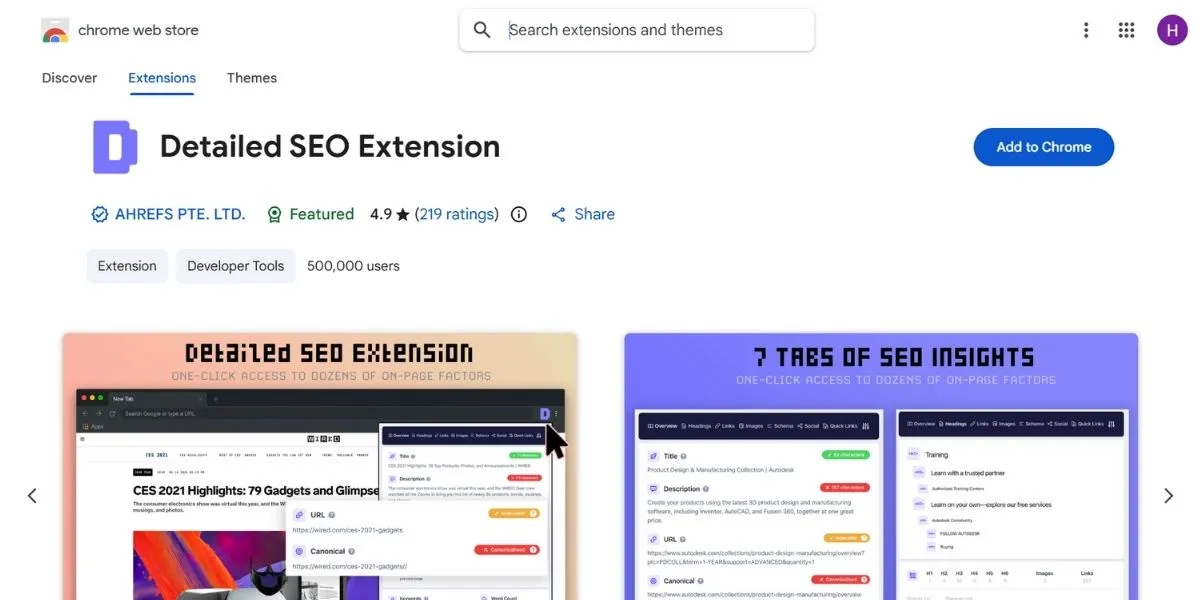
Without a doubt, this is the most popular way to view on-page factors on any given page quickly, making it one of the most useful Chrome extensions for daily audits. It allows you to have a clean view of your titles, descriptions, canonical tags, and robots settings without any clutter. Additionally, it enables you to view your heading tags (H1-H6), which can help you see how your competitor has structured their content tags. More so, this extension allows you instant access to sitemaps and robots.txt files with a single click.
In addition, it enables you to export internal and external links into a spreadsheet for more in-depth analysis of your link tags. Also, it allows you access to other leading tools, such as PageSpeed Insights, under its “Advanced” tab for an instant view of your performance scores.
- Best Use Case: On-page audits, checks for the structure of headings, verification of schema markup, examination of competitors’ metadata, inspection of the site map, and export of internal links.
- Free vs Paid: 100% Free.
Key Features:
- Instant preview of meta titles & descriptions
- Visual map of all tags ranging from H1 to H6 on a page
- Total words and images in a single click
- Points out “NoIndex” tags, which could be hindering Google’s ability to index
- Chrome Link: https://chromewebstore.google.com/detail/detailed-seo-extension/pfjdepjjfjjahkjfpkcgfmfhmnakjfba?hl=en
2. Keyword Surfer
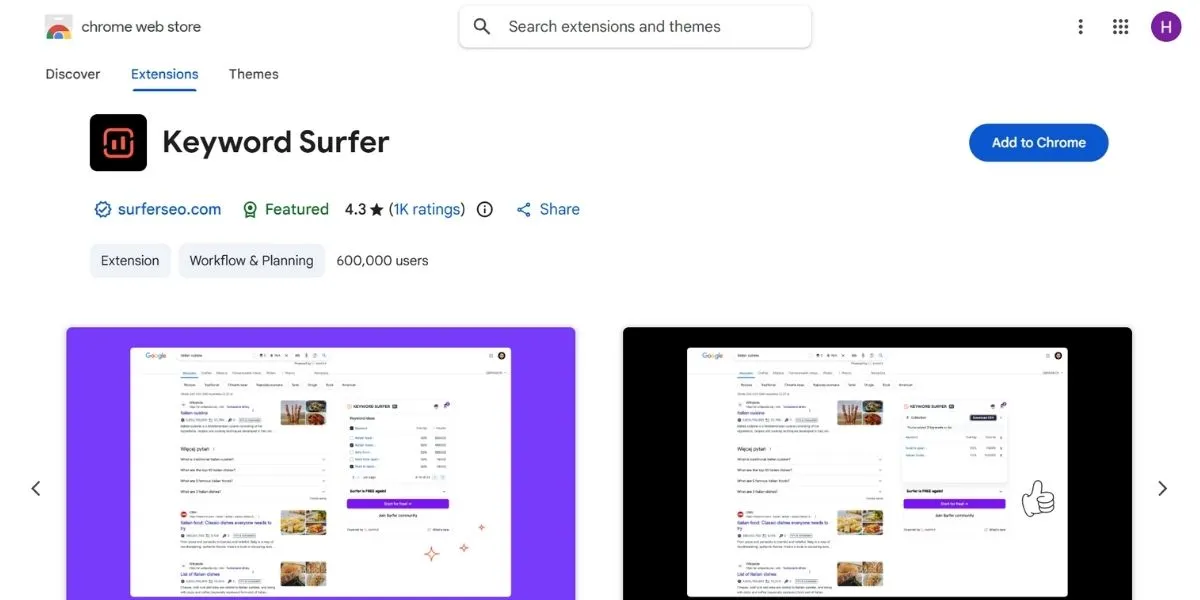
This is one of the best Chrome extensions for SEO if you want to search for data information as you are browsing Google for your keyword research. It also gives you the monthly searches and cost per click in the search box as you type in your question. It also comes with a side panel showing you related ideas for your content plan. It also comes with an innovative way of showing you “fan-out queries” if you are using ChatGPT, showing you what topics the AI thinks are relevant. It also comes with a “Humanizer” score for you to know if your content can be traced by the AI.
In addition, it comes with information about the word count and usage of every page in the ranking for you to know what it takes for you to reach the first page.
- Best Use Case: Keyword research, finding content ideas, analyzing competitor content length, and understanding search volume.
- Free vs Paid: 100% Free.
Key Features:
- Demonstrates the search volume for over 70 countries
- Offers key phrase suggestions based on the current query entered by the user
- Provides estimates of the traffic on each of the websites that appear in the search results
- Indicates word count of highly ranked pages
- Chrome Link: https://chromewebstore.google.com/detail/keyword-surfer/bafijghppfhdpldihckdcadbcobikaca?hl=en
3. SEOquake
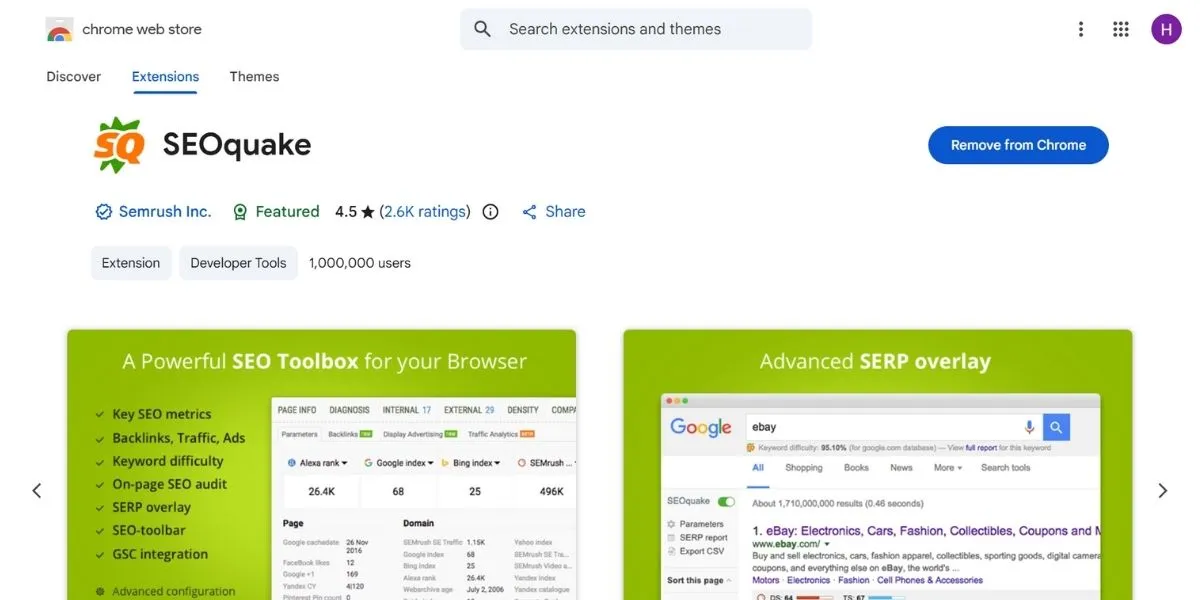
This is like having a Swiss Army knife in your browser because it retrieves information from several sources, such as Semrush and Google, making it one of the most versatile Chrome extensions for SEO analysis. It comes with a “toolbar” feature where you can view your domain authority, number of backlinks, and even the age of the page from your browser screen or from within your search results. This is precisely what you need to analyze your competitor’s domain authority in a comprehensive way without having to open five different applications.
Another feature of the extension is a complete SEO audit feature, which includes the assessment of your mobile friendliness and technical validity. Additionally, you can analyze several domains simultaneously to determine which one has the best link profile in your market.
- Best Use Case: Comparative analysis of domain names, backlink checking, keyword density verification, SERP overlay tools, mobile compatibility testing, and side-by-side URL comparison.
- Free vs Paid: Free (some features require a SEMrush account).
Key Features:
- Complete SEO audit of any webpage
- Comparison of metrics for various URLs
- Internal and external link reporting
- Keyword density checks to prevent overstuffing
- Chrome Link: https://chromewebstore.google.com/detail/seoquake/akdgnmcogleenhbclghghlkkdndkjdjc?hl=en
4. Redirect Path
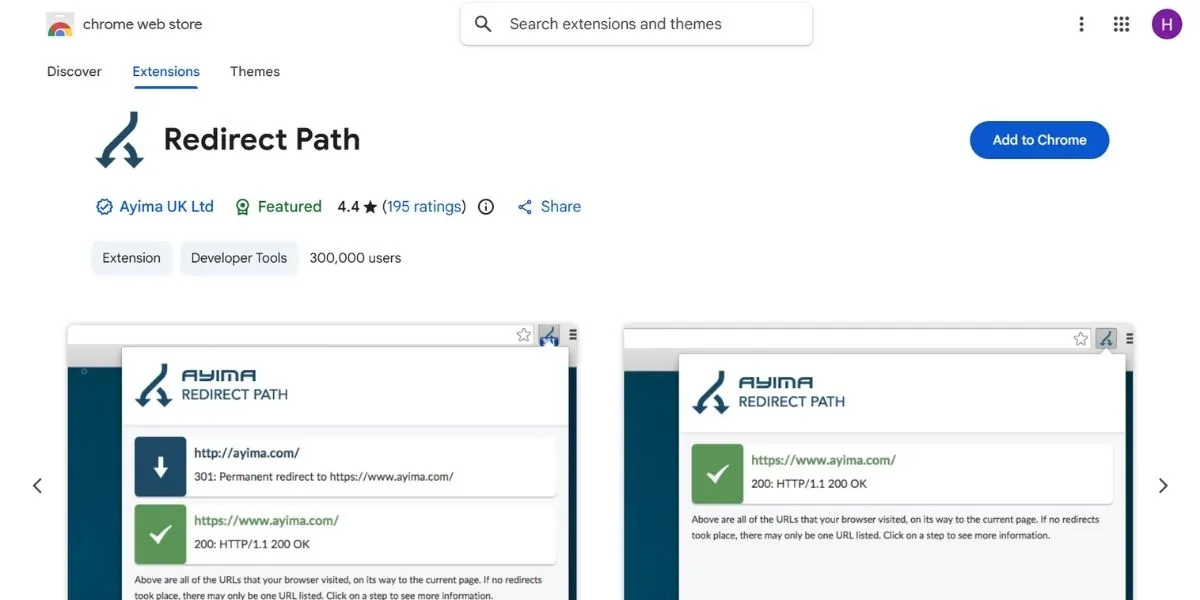
Technical errors can be the death of your rankings, and this extension ensures that you notice the errors before they cause harm to your rankings, which is why such Chrome extensions are essential for technical SEO. The extension notifies you about all the redirects and HTTP error codes, whether they are 301, 302, 404, or 500 errors. In fact, the extension also identifies long chains of redirects that result in slowing down your website and confusing the search engine crawlers. The extension can be particularly effective in identifying “soft redirects” or “JavaScript jumps” that other tools may fail to detect.
The extension also shows the IP address of the server and the HTTP header information, such as caching information and the types of servers. The extension can also assist you in checking whether your “NoIndex” header is sent correctly via the “X-Robots-Tag.”
- Best Use Case: Technical SEO, tracking broken links, fixing redirect cycles, site migrations, server headers, and X-Robots verification.
- Free vs Paid: 100% Free.
Key Features:
- Displays the HTTP status code immediately
- Tracks the entire redirect process
- Shows the server headers such as “X-Robots-Tag.”
- Notifies you of “Soft 404” errors
- Chrome Link: https://chromewebstore.google.com/detail/redirect-path/aomidfkchockcldhbkggjokdkkebmdll?hl=en
5. Ubersuggest
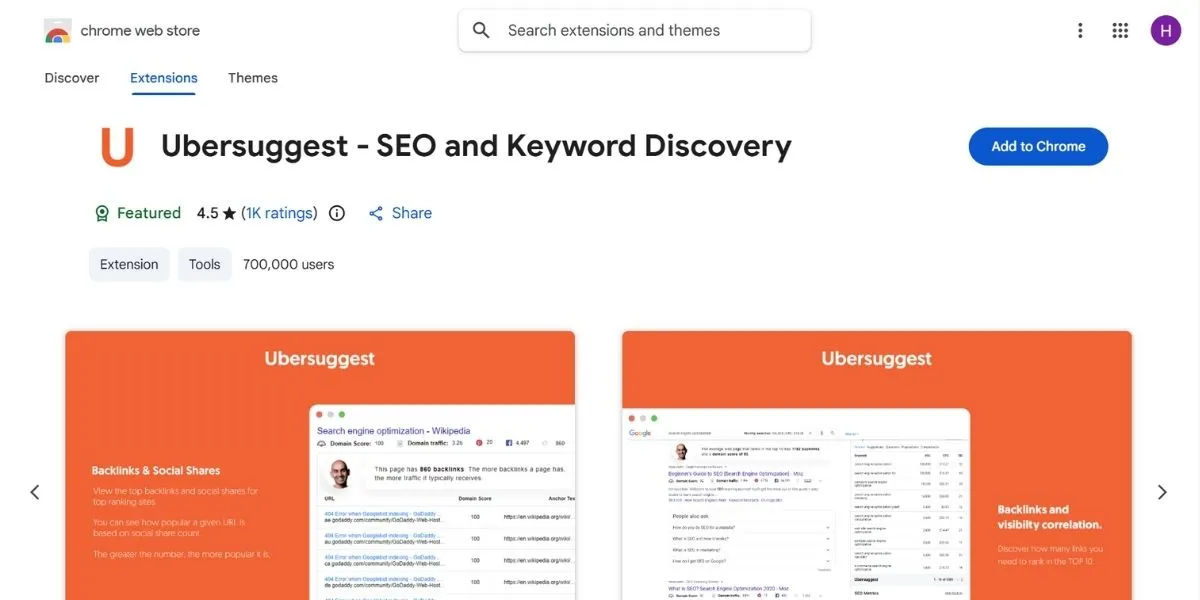
Made by Neil Patel, this extension is excellent for viewing the amount of traffic your competitors receive and stands out among practical Chrome extensions for competitive research. When you visit a website, it will give you its top-performing keywords as well as the number of backlinks it receives. It even supports YouTube and Amazon, so it’s definitely an excellent extension for multi-platform SEO marketers. In addition, it also gives you a graph showing your organic traffic performance over the past six months so you can determine seasonality.
You will also be given a list of preposition-based questions that real people are asking about your target keyword. It also shows you the Domain Authority as well as the average number of referring domains for the whole top 10 results on Google.
- Best Use Case: Competitive traffic analysis, Backlink identification, YouTube Optimization, Amazon keyword research, Content question generation, SERP Authority comparison.
- Free vs Paid: Free (restricted to a certain number of searches in a day) and a paid option is available.
Key Features:
- Estimates of organic traffic for any domain on a monthly basis
- List of the top pages that are driving traffic to the site
- Keyword data for YouTube and Amazon search bars
- Backlink profiles with domain authority scores
- Chrome Link: https://chromewebstore.google.com/detail/ubersuggest-seo-and-keywo/nmpgaoofmjlimabncmnmnopjabbflegf?hl=en
6. SEO Minion
This extension is meant to deal with the monotonous tasks that each marketer dislikes. This extension will check the presence of dead links on a page, will show how your rankings will vary across various nations, or will even provide the “People Also Ask” result from Google. This extension is a massive timesaver for each person who performs daily tasks on the website or analyzes search engine results in various nations. Moreover, this extension features an “Hreflang” checker that will ensure your multilingual tags are created the right way.
This extension will also enable you to check your initial HTML page against the DOM to check if your JavaScript affects your search engine optimization.
- Best Use Case: Checking broken links, SERP previews, local SEO analysis, PAA data extraction, Hreflang validation, and JavaScript SEO audits.
- Free vs Paid: Free available / Paid for more advanced features (Silver plan).
Key Features:
- It identifies all the internal and external links on a web page
- Real-time preview of SERP with meta tags
- Simulation of multi-location searches
- Exports Google “People Also Ask” questions
- Chrome Link: https://chromewebstore.google.com/detail/seo-minion/giihipjfimkajhlcilipnjeohabimjhi?hl=en
7. Ahrefs SEO Toolbar
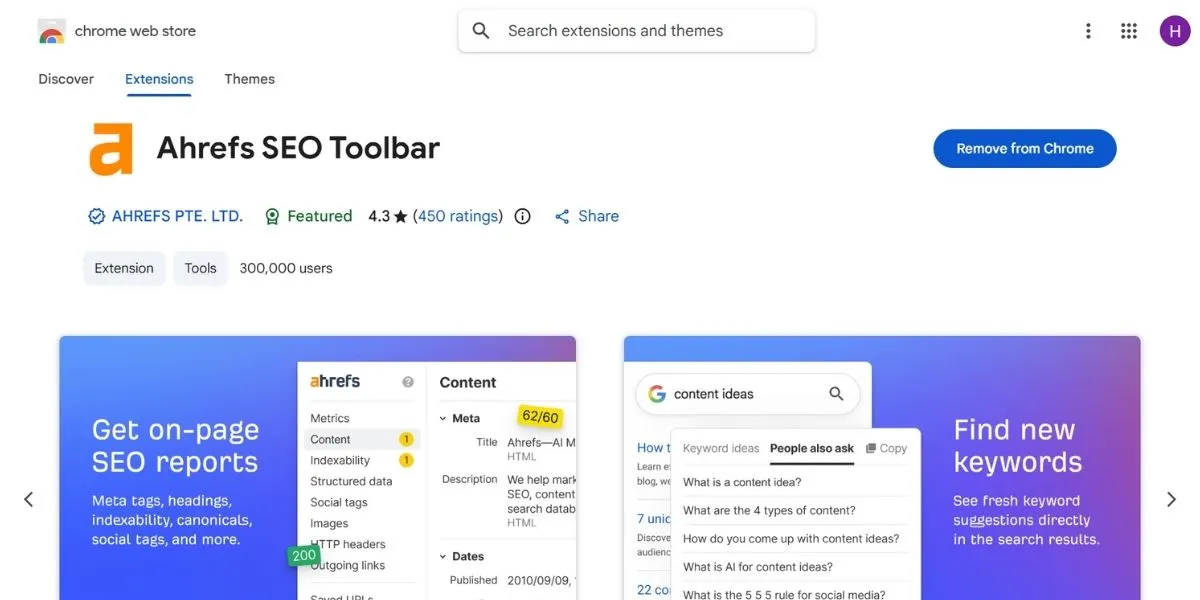
If you already use Ahrefs, then this is the best Chrome extension for an SEO tool you will ever need and one of the most powerful Chrome extensions available for professionals. With this extension, you will be able to tap into their enormous database directly through your browser. You will be able to see the high-level data points, such as the Domain Rating (DR) and the number of referring domains, for every website you visit.
Even the free version of this extension will give you a fantastic on-page audit tool as well as a broken-link checker. Furthermore, this extension will also allow you to switch your “User Agent” so that you can see how a particular page will be visible to Googlebot directly through your browser.
- Best Use Case: Backlink research, checking the domain authority, building broken links, technical audits, User Agent switching, and PageSpeed tests.
- Free vs Paid: Free version available. Complete data is available with an Ahrefs account.
Also Read: Best Ahrefs Alternatives
Key Features:
- Link popularity report for any URL
- HTTP header checker with redirect tracing
- Highlighting of NoFollow links
- Country-specific simulations of search engine results
- Chrome Link: https://chromewebstore.google.com/detail/ahrefs-seo-toolbar/hgmoccdbjhknikckedaaebbpdeebhiei
8. Glimpse (Google Trends Supercharged)
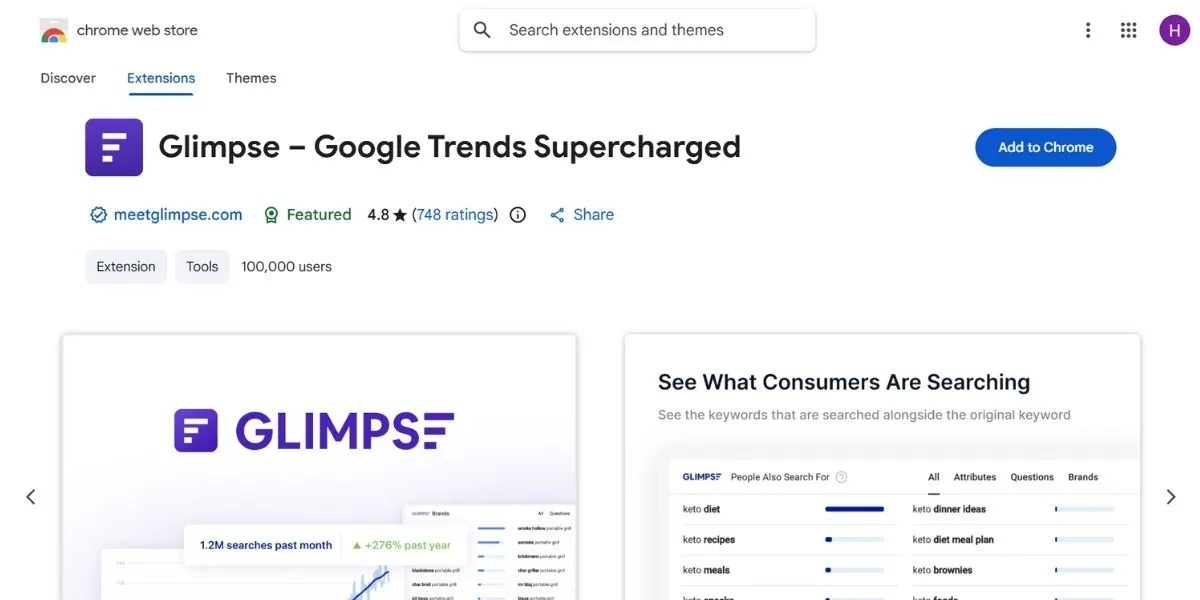
Glimpse improves upon the standard Google Trends interface by adding real search volume data, positioning it among insightful Chrome extensions for trend research. Rather than being presented with a relative “interest level” between 0 and 100, you can see the actual number of searches for a given topic. Glimpse is the ultimate utility for discovering a viral topic before your competition does. Not only this, but it also provides a “Topic Map” which illustrates related terms and subtopics in a spider web design.
It also shows which type of social network, such as Reddit or TikTok, is generating the most discussions for a given keyword. Additionally, you can create an email alert that informs you when a specific topic begins gaining popularity.
- Best Use Case: Trend analysis, planning content based on seasons, research on niches, analysis of markets, monitoring on social media, and alert services based on trends.
- Free vs Paid: Free (limited searches per month) / Paid for complete access.
Key Features:
- Includes search volume in Google Trends charts
- Indicates where a subject is being discussed (e.g., Reddit, TikTok)
- Forecasts the level of future interest in a subject area
- Topic maps for related search terms
- Chrome Link: https://chromewebstore.google.com/detail/glimpse-%E2%80%93-google-trends-s/ocmojhiloccgbpjnkeiooioedaklapap?hl=en
9. MozBar
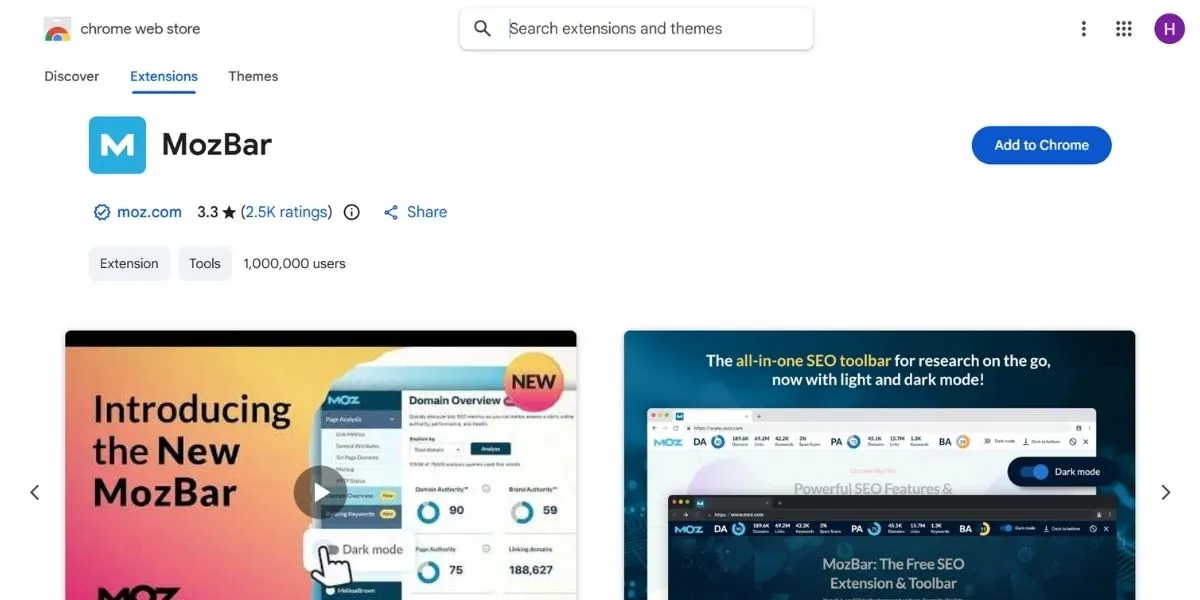
This is one of the oldest tools for SEO and still remains popular for Domain Authority (DA) and Page Authority (PA) checks. The tool adds a toolbar to the top of your browser window, which shows the authority rating for any website you visit. Apart from this, the toolbar helps you to color-code links on any website, depending on whether they are internal, external, do-follow, or no-follow links.
The toolbar also allows you to perform custom searches depending on the search engine, as well as the country or region, to obtain localized search results. The toolbar also gives you an instant analysis report for the various on-page factors, such as titles and alt tags, as you surf the web.
- Best Use Case: Authority checks, link prospecting, viewing on-page elements, checking SERPs in a local area, and data export.
- Free vs Paid: Free (if you have an account with Moz) / Paid (for Moz Pro).
Key Features:
- Domain Authority metric as used in the industry
- Highlights link types on a webpage immediately
- Calculate link metrics for each SERP
- Ability to export SERP analysis into a CSV file
- Chrome Link: https://chromewebstore.google.com/detail/mozbar/eakacpaijcpapndcfffdgphdiccmpknp?hl=en
10. SEO Search Simulator by Nightwatch
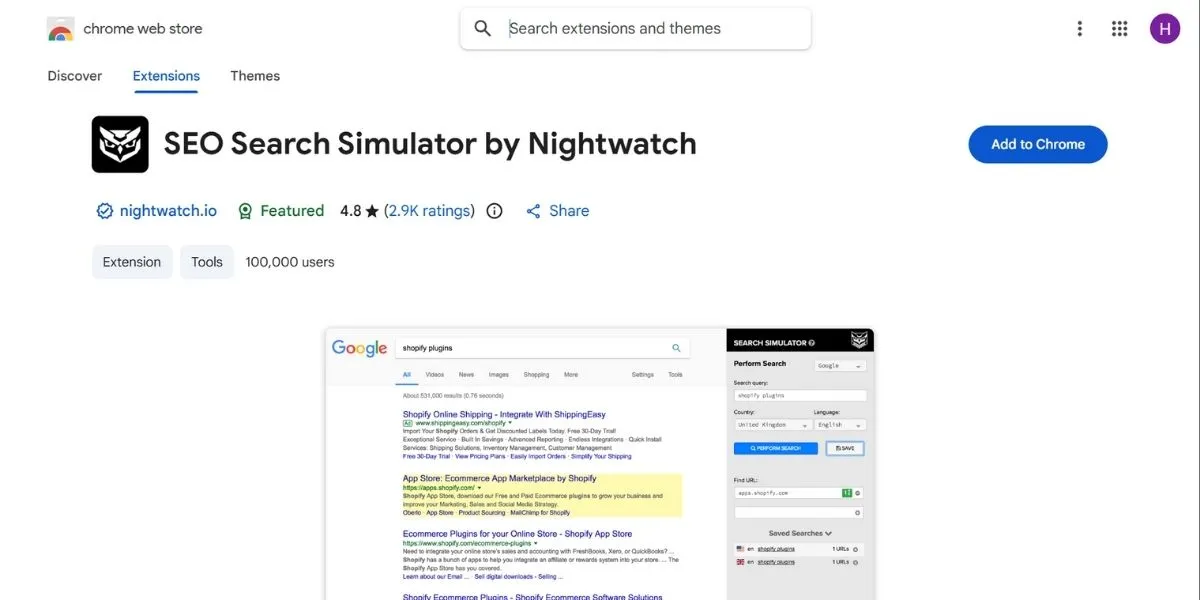
Google gives you different results depending on your location, which is why location-based Chrome extensions like this tool are so useful. But if you are located in New York and want to know your site’s position in London, this tool will help you. It overrides your location and gives you the “clean” results for any city and country in the world. Moreover, this tool will help you understand which SERP features your target keyword gets in the specific region.
It’s also absolutely free and doesn’t require you to register to use the tool. Also, the tool’s interface is high-speed and takes a split second to open a new tab to simulate results without having to reload your page.
- Best Use Case: Local SEO, international rank tracking, client reporting, SERP feature identification.
- Free vs Paid: 100% Free.
Key Features:
- Simulates a search from any global location
- Verifies rankings for targeted keywords
- Supported on any language Google supports
- Ad-free & clean interface
- Chrome Link: https://chromewebstore.google.com/detail/seo-search-simulator-by-n/edfjfgjklednkencfhnokmkajbgfhpon?hl=en
11. SimilarWeb
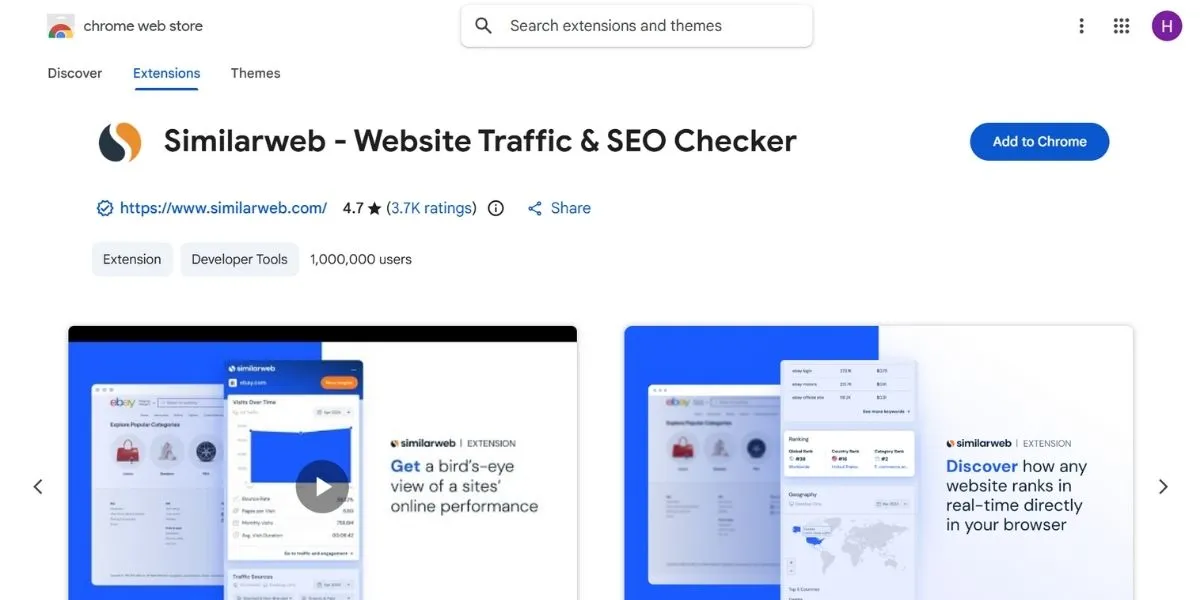
SimilarWeb gives you a bird’s-eye view of a website’s entire digital footprint. You can see their total monthly visits, bounce rate, and even where their traffic comes from (social media vs. search). It is incredibly helpful for understanding the “big picture” of a competitor’s marketing strategy. Moreover, it provides insights into the demographic profile of a site’s audience, such as age and gender.
It also shows you “Similar Sites” that users visit, which is excellent for finding new competitors or partnership opportunities. In addition, the extension shows you the top-performing organic and paid keywords that are driving the most traffic to the site.
- Best Use Case: Competitive intelligence, Traffic source analysis, Benchmarking, Demographics of audiences, and Keyword traffic.
- Free vs Paid: Free version available.
Key Features:
- Engagement with traffic data (Time on Site, Page Views)
- Geographic-based traffic breakdown
- List of top referring websites
- Top organic & paid keywords
- Chrome Link: https://chromewebstore.google.com/detail/similarweb-website-traffi/hoklmmgfnpapgjgcpechhaamimifchmp?hl=en
12. Schema Builder

Schema Builder is the secret to getting you those cool “Rich Sni.ppets” in Google results and is one of the most practical Chrome extensions for structured data work. This tool lets you create and test your schema markup right on your page. It will help you spot errors in your code and make sure that search engines can read your data, whether it’s reviews, pricing, or frequently asked questions, easily. The tool comes with a visual interface, which means you can see your code layout without having to code anything.
The tool will also let you harvest a competitor’s schema from their page and see what they’re doing differently to get rich results. The tool integrates with the official validation tools from Google to ensure your code is spotless before you put it live.
- Best Use Case: Optimization of rich snippets, Technical schema audits, JSON-LD code creation, and competitor schema recovery.
- Free vs Paid: Free.
Key Features:
- Extracts the existing schema of any page
- Enables visualization of structured data for easy editing
- Checks the markup for compliance with Google’s guidelines
- Multiple schema types are supported (Article, Product, etc.)
- Chrome Link: https://chromewebstore.google.com/detail/schema-builder-for-struct/klohjdodjjeocpbpadmkcndjoadijgjg
13. Hunter (Email Finder)
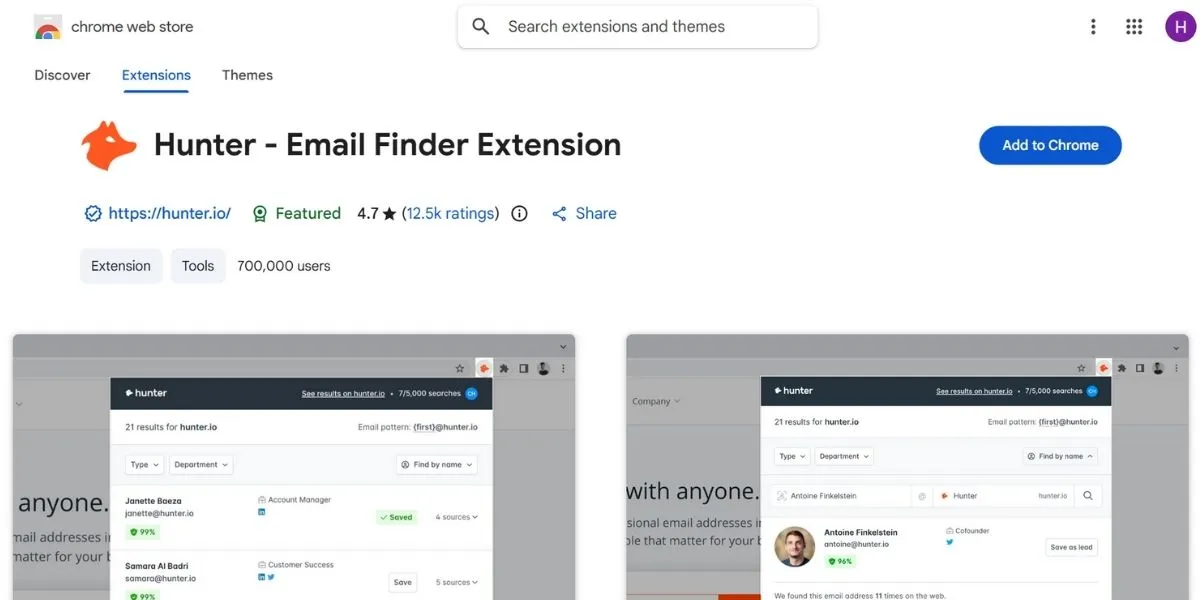
To do link building, you have to reach out to people, and Hunter makes it easy for you to identify the correct contact email in seconds. When you visit a particular website, you can click on the Hunter icon, and it will display all the email addresses linked to that domain name. It’s an essential tool for anyone who does outreach or PR. Hunter also allows you to view the public source from which it has identified an email so that you can check whether it’s a genuine email or not. Also, it has something called a “Confidence Score” that helps you avoid bouncing an email.
- Best Use Case: Link building outreach, Guest Post pitches, Networking, Lead generation, Email Verification.
- Free vs Paid: Free (up to 25 searches per month) / Paid for additional searches.
Key Features:
- Retrieves email addresses for a given domain
- Checks if an email address is in use
- Makes it clear where the email was retrieved from
- Enables easy export to your CRM
- Chrome Link: https://chromewebstore.google.com/detail/hunter-email-finder-exten/hgmhmanijnjhaffoampdlllchpolkdnj
14. View Rendered Source
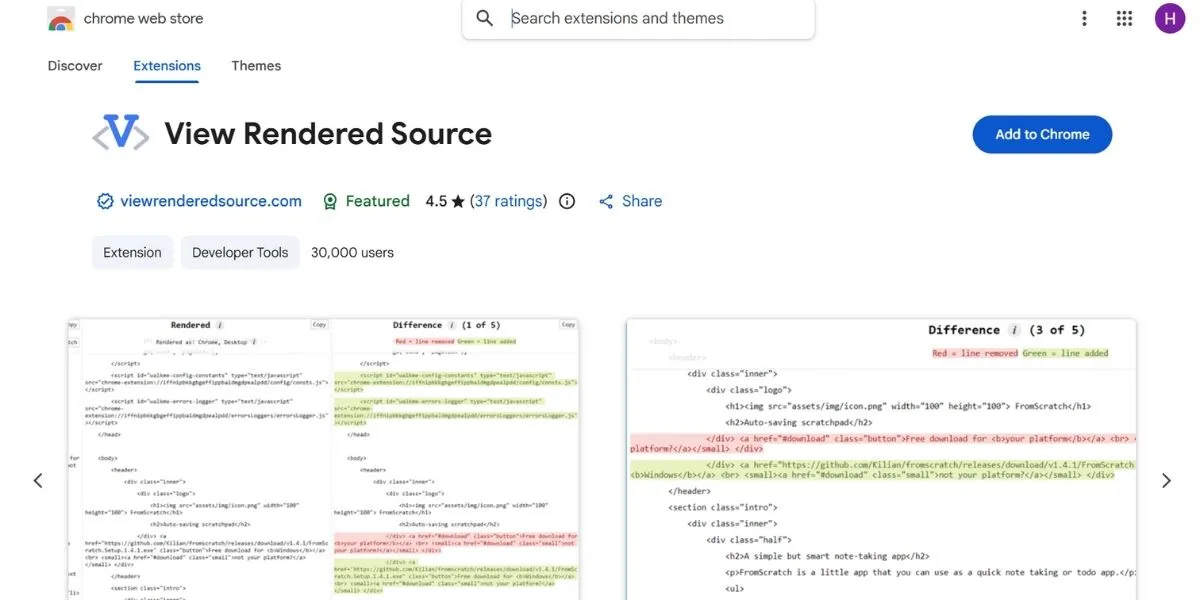
These days, JavaScript is commonly employed on modern websites, which might lead to hidden content for search engines, making technical Chrome extensions like this especially valuable. The browser add-on highlights the difference between the original HTML content and the content that is loaded on your browser page. It ensures that Google is able to view your text and links. It is a remarkably light add-on that does not slow down your browser experience. It also uses colored highlighting that enables you to view the content that was modified by JavaScript. It is also a useful diagnostic tool for SPAs or dynamic content loading.
- Best Use Case: JavaScript SEO, technical issues, visibility tests, and single-page application audits.
- Free vs Paid: 100% Free.
Key Features:
- Contrasts “Raw” vs “Rendered” source code
- Shows differences in red and green
- Check if the JavaScript is interfering with the meta tags on your website
- Simple, lightweight, and fast
- Chrome Link: https://chromewebstore.google.com/detail/view-rendered-source/ejgngohbdedoabanmclafpkoogegdpob?hl=en
15. Grammarly
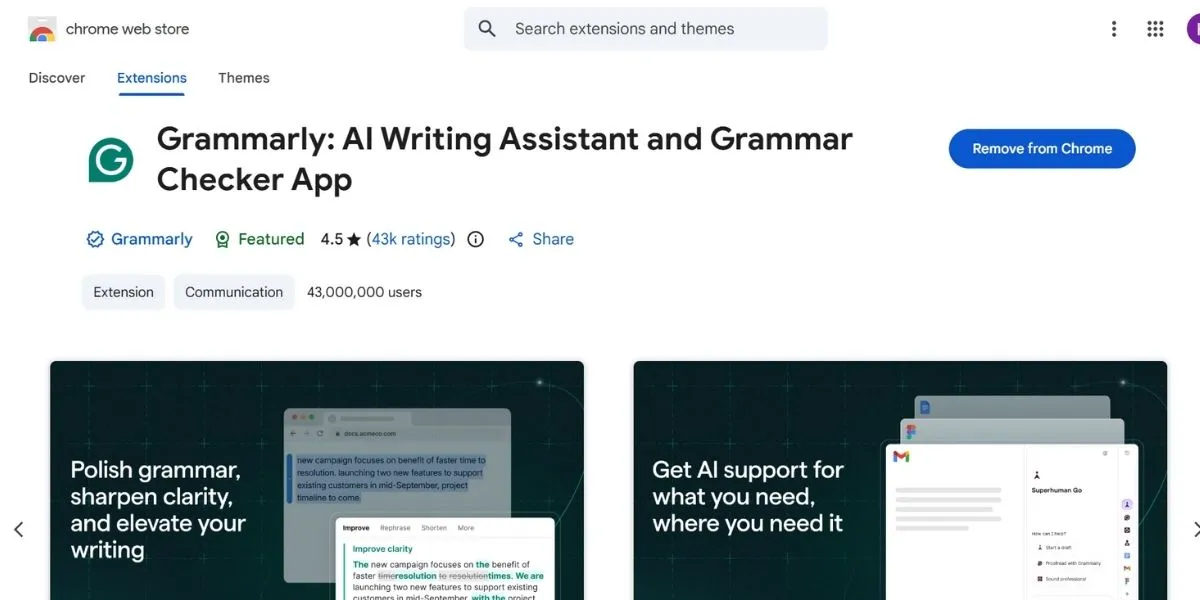
You may wonder why a writing assistant is included in this list, but content-focused Chrome extensions play a key role in SEO success. High-quality writing is a very important ranking factor for Google. Grammarly helps you make sure that there are no embarrassing typos or hard-to-read sentence structures in your articles. When you use well-written and easy-to-read articles, you can keep people longer on your website, and this is a huge plus in the eyes of the search engines.
Additionally, the software helps you make hard-to-read sentences easier to understand, and it also helps you analyze the tone of the people visiting your website, whether you would like to appear professional or friendly.
- Best Use Case: Content creation, editing, improving user experience, tone improvement, and E-E-A-T improvement.
- Free vs Paid: Free / Paid for advanced tone and style recommendations.
Key Features:
- Spell and grammar checking in real time
- Tone detection (e.g., friendly, formal)
- Works with Google Docs, WordPress, and Email
- Plagiarism detection tool (in premium version)
- Chrome Link: https://chromewebstore.google.com/detail/grammarly-ai-writing-assi/kbfnbcaeplbcioakkpcpgfkobkghlhen
How to Install & Manage Chrome SEO Extensions
Activating the use of these tools is a straightforward process that takes less than a minute. Here is how you can do it:
- Visit the Store: You can visit the Chrome Web Store by searching for the name of the tool you want.
- Add to Chrome: Click the “Add to Chrome” button and confirm the permissions in the pop-up box.
- Pin for Access: In the upper right corner of your browser, click on the icon that looks like a puzzle piece, and then click on the pin icon next to your favorite tools.
- Manage Settings: Right-click anywhere on the icon of any extension you want to modify or delete if you no longer need it.
- Toggle Off: If you notice that your browser is running slowly, you can turn off extensions without uninstalling them from the “Manage Extensions” menu.
Use Cases: How to Use These Extensions for Real SEO Tasks
These tools are not only for viewing numbers; they assist you in solving real-life problems. Here’s how you can apply the best Chrome extensions for SEO to obtain real results for your website:
- Competitor Analysis: Use Ubersuggest or SEOquake to determine which pages are giving your competitors the most visitors and follow the same pattern.
- On-Page Fixes: Open Detailed SEO in your own blog postings to ensure your meta description is not too lengthy or empty.
- Technical Audits: Make use of the “Redirect Path” after the relocation of a page to make sure that you do not end up with a “404 Not Found” error message for the user.
- Keyword Expansion: Employ Keyword Surfer during your search for your main topic and identify 5-10 long-tail keywords that you can incorporate into your article.
- Outreach: Utilize Hunter to discover the email address of the blog’s editor where you want your guest blog post to be featured.
Conclusion
Using the best Chrome extensions for SEO is one of the quickest ways that you can develop your digital marketing knowledge. These extensions remove the guesswork from the process by giving you direct access to the information that is of the most importance. Whether you are a new marketer wanting to verify that your meta tags are in place or an advanced marketer wishing to perform a technical SEO audit, there is an extension on this list that can assist you with that.
Moreover, with the increasing complexity of search engine algorithms, having this information right at your fingertips enables you to adjust your strategy in real-time. Simply download a few extensions that suit your requirements at the moment, and you’ll quickly notice the efficiency of your workflow.
FAQs
Which is the best SEO plugin?
Detailed SEO is said to be the most effective for carrying out onsite operations, whereas Ahrefs or SEOquake is preferred for in-depth information and backlink analysis.
Which are the best Chrome extensions for SEO in 2026?
Ubersuggest and Keyword Surfer are still at the top of this list because they offer valuable search information free of charge and right from within the browser interface.
How to apply SEO meta in 1 click?
You have to install the Detailed SEO extension, and once you visit any page, you can click on the icon in your toolbar to view the metadata instantly.
Is the Detailed SEO extension free?
Yes, the Detailed SEO extension is 100% free to use without any hidden subscription charges or locked functionalities.
What are the four types of SEO?
The Four Key Pillars are: On-page SEO (Content & Tags), Off-page SEO (Backlinks), Technical SEO (Site Speed & Architecture), and Local SEO (Google Maps).