Every team, from a small agency to a large enterprise, has projects with deadlines, budgets, and people to coordinate. Without a clear system, tasks slip through the cracks, updates get lost in email, and managers spend more time chasing status than solving problems.
Project management software gives teams one place to plan work, assign tasks, track progress, and share files. The right tool keeps everyone aligned and makes deadlines and workloads visible. This guide compares the 15 best project management software options for 2026, from simple boards for small teams to advanced platforms for scheduling, resources, and client work.
What Is Project Management Software?
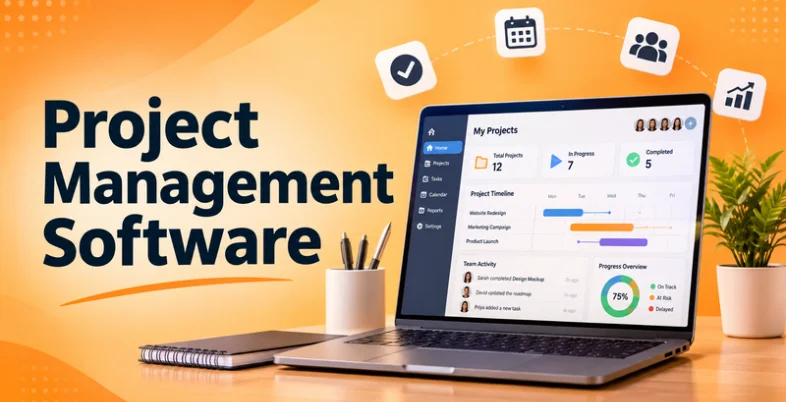
Project management software is a set of digital tools that help teams plan, organize, and complete projects. It lets you create tasks and subtasks, set deadlines, assign owners, track time, share files, and monitor progress in views such as lists, boards, calendars, and Gantt charts.
Instead of managing projects with spreadsheets and endless email threads, teams work in one shared system. These team collaboration tools make it easier to manage communication and coordinate tasks. Modern platforms also include automation, reporting dashboards, and AI features that summarize progress, draft tasks, and flag risks.
Why Project Management Software Matters In 2026?
Teams now work across time zones with tighter deadlines and more stakeholders, so informal tracking no longer works. A dedicated tool makes work visible and keeps projects predictable.
- Clear Ownership: Every task has an owner and a due date, so nothing falls through the cracks.
- Better Planning: Timelines, dependencies, and workload views help teams plan realistic schedules.
- Real-Time Visibility: Dashboards show progress, delays, and workload at a glance without status meetings.
- Improved Collaboration: Comments, files, and updates live next to the work, which cuts back-and-forth emails.
- Automation: Recurring tasks and workflows save time, while AI features help teams summarize updates, organize work, and identify potential delays.
Key Features Of Project Management Software
The best tools balance power with ease of use and fit the way your team works.
- Task Management: Create tasks and subtasks, set priorities, assign owners, and track status.
- Multiple Views: Switch between list, board, calendar, timeline, and Gantt views of the same work.
- Time Tracking & Workload: Track hours and see who is overloaded or available.
- Collaboration: Comments, file sharing, and notifications keep discussions attached to tasks.
- Reporting & Dashboards: Monitor progress, deadlines, and budgets with visual reports.
- Automation & Integrations: Connect with Slack, Google Workspace, Microsoft 365, and other tools, and automate repetitive steps.
Quick Comparison Table — Best Project Management Software
| Software | Best For | Gantt Charts | Time Tracking | Pricing Model |
| monday.com | Visual workflows and easy adoption | Yes | Yes | Free plan, per seat |
| Asana | Cross-team task tracking and goals | Yes | Add-on or integration | Free plan, per user |
| ClickUp | All-in-one flexible workspace | Yes | Yes | Free plan, per user |
| Wrike | Cross-functional teams and enterprises | Yes | Yes | Free plan, per user |
| Smartsheet | Spreadsheet-style project tracking | Yes | Basic | Per user per month |
| Microsoft Project | Advanced scheduling in Microsoft 365 | Advanced | Yes | Per user per month |
| Teamwork | Client-facing service teams | Yes | Advanced | Free plan, per user |
| Zoho Projects | Budget-friendly projects in Zoho ecosystem | Yes | Yes | Free plan, per user |
| Airtable | Database-driven project views | Yes | Basic | Free plan, per seat |
| Hive | Marketing and creative agencies | Yes | Yes | Free plan, per user |
| ProjectManager | Gantt-focused planning and reporting | Advanced | Yes | Per user per month |
| TeamGantt | Simple, visual Gantt planning | Advanced | Yes | Plan-based |
| Paymo | Freelancers and small businesses | Yes | Advanced | Free plan, per user |
| Basecamp | Simple all-in-one for small teams | Basic | Basic | Per user or flat fee |
| Trello | Simple Kanban for light projects | Add-on | Add-on | Free plan, per user |
List of Top 15 Project Management Software
1. monday.com
- Website: https://monday.com/
- Best for: Teams that want visual project tracking and easy-to-use workflows
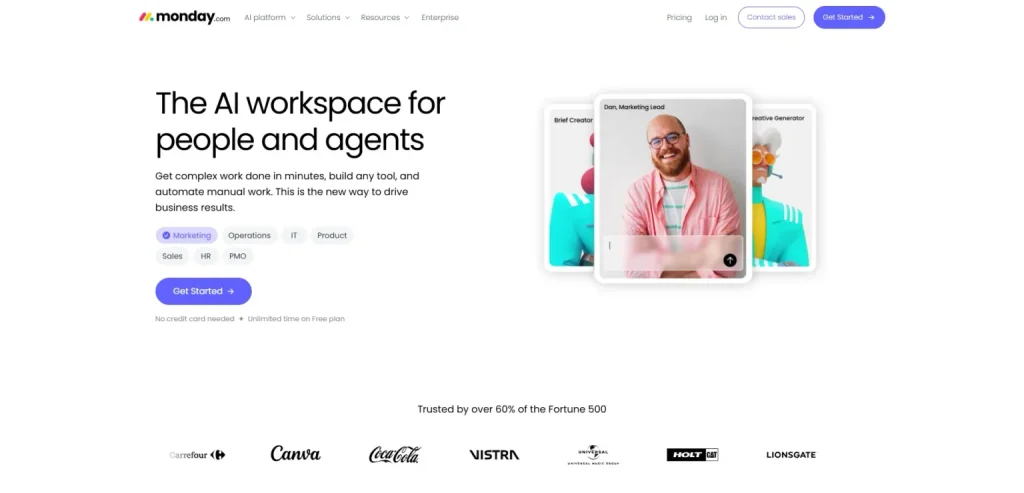
monday.com is a visual work management platform built around colorful boards that track tasks, projects, and processes. Teams can switch between table, Kanban, timeline, and calendar views without leaving their data.
Its large template library covers use cases from marketing campaigns to software development, and its visual interface reduces the learning curve for new teams. Costs rise as seats increase, and deeper reporting and resource features sit on higher plans.
Key Features:
- Customizable Boards
- Timeline And Calendar Views
- Automations
- Dashboards And Reports
- Large Template Library
Pros:
- Very Easy To Learn
- Highly Visual
- Strong Automations
Cons:
- Costs Rise With Seats
- Advanced Features On Higher Plans
- Limited Free Plan
Pricing:
- Free: $0 forever
- Basic: $9/seat/month
- Standard: $12/seat/month
- Pro: $19/seat/month
- Enterprise: Custom pricing
2. Asana
- Website: https://asana.com/
- Best for: Teams that need cross-functional task tracking, goals, and automation
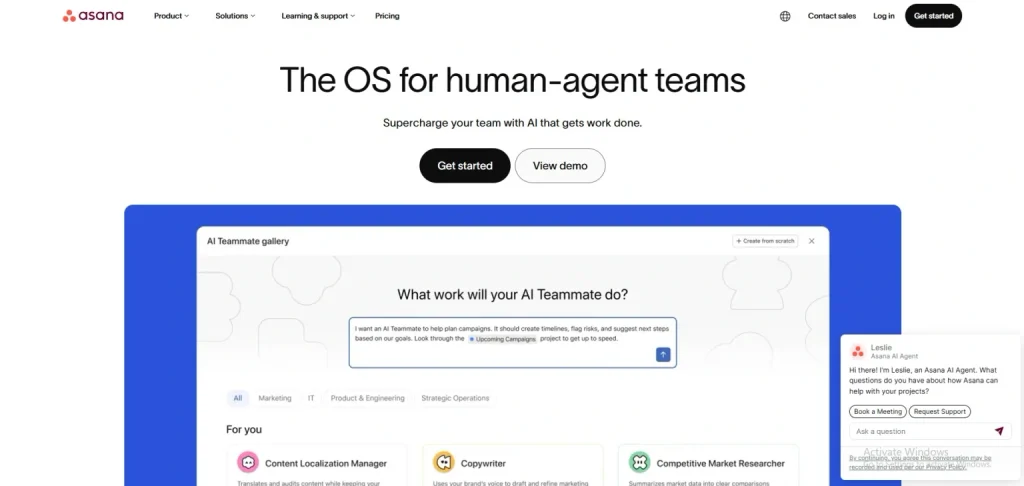
Asana is a popular project management platform with a clean interface and strong collaboration features. Teams create tasks, assign owners, and follow work in list, board, timeline, and calendar views.
Goals and workflows help connect daily tasks to company objectives, and automation reduces repetitive updates. It is easy to adopt, though advanced reporting, portfolios, and resource features sit on higher paid plans.
Key Features:
- Tasks And Subtasks
- Timeline And Board Views
- Goals And Workflows
- Automation Rules
- Wide Integrations
Pros:
- Clean, Easy Interface
- Strong Collaboration
- Good Goal Alignment
Cons:
- Advanced Features On Higher Plans
- Time Tracking Needs Add-On
- Costs Rise At Higher Tiers
Pricing:
- Personal: $0 (Free forever)
- Starter: $13.49/user/month
- Advanced: $30.49/user/month
- Enterprise: Custom pricing
3. ClickUp
- Website: https://clickup.com/
- Best for: Teams that want tasks, docs, goals, and dashboards in one flexible workspace
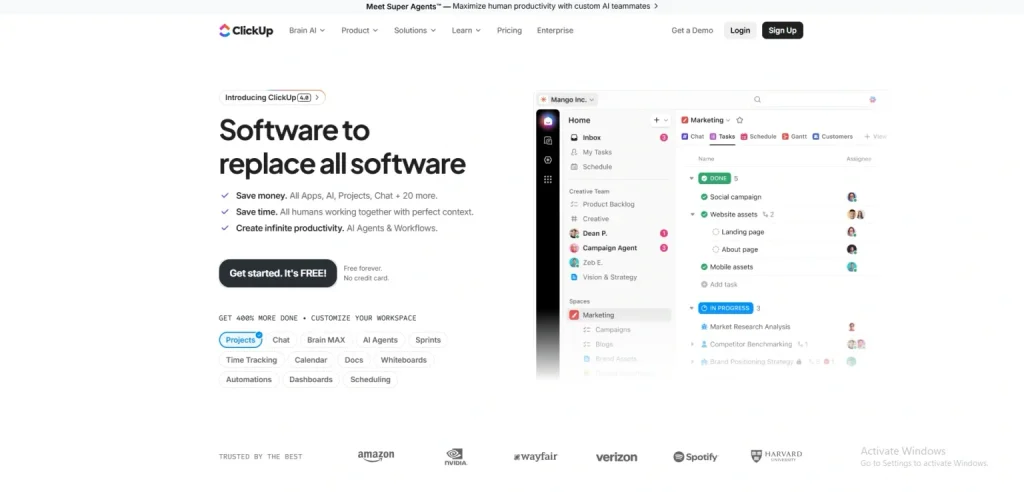
ClickUp is an all-in-one project management platform with tasks, docs, whiteboards, time tracking, goals, and dashboards. It offers a large set of views, including list, board, Gantt, and calendar.
Its low per-user price and generous free plan make it popular with startups and growing teams. The number of options can feel overwhelming at first, so teams should set clear standards for how they use it.
Key Features:
- Multiple Task Views
- Docs And Whiteboards
- Time Tracking
- Custom Dashboards
- Automations
Pros:
- Very Affordable
- Generous Free Plan
- Highly Flexible
Cons:
- Can Feel Overwhelming
- Setup Takes Time
- Some Performance Complaints
Pricing:
- Free Forever: Free
- Unlimited: $10/user/month
- Business: $19/user/month
- Enterprise: Custom demo
4. Wrike
- Website: https://www.wrike.com/
- Best for: Cross-functional teams and enterprises that need workload management and reporting
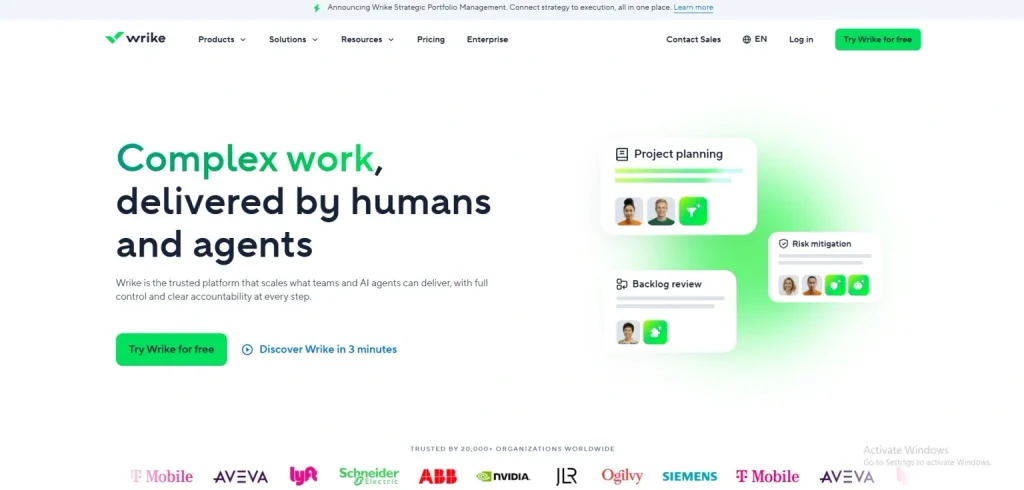
Wrike is a collaborative work management platform with Gantt charts, workload views, approvals, and detailed reporting. It suits teams that run many projects at once and need visibility across departments.
Custom dashboards and request forms help managers handle intake and track progress. Advanced features sit on higher plans, and the interface can feel complex for beginners, so allow time for setup and training.
Key Features:
- Gantt Charts And Timelines
- Workload Management
- Request Forms And Approvals
- Custom Dashboards
- Third-Party Integrations
Pros:
- Strong Reporting
- Good For Complex Projects
- Wide Integrations
Cons:
- Can Feel Complex
- Advanced Features On Higher Plans
- Costs Rise At Scale
Pricing:
- Free: $0 per user/month
- Team: $10 per user/month
- Business: $25 per user/month
- Pinnacle: Contact us for pricing
- Apex: Contact us for pricing
5. Smartsheet
- Website: https://www.smartsheet.com/
- Best for: Teams that prefer spreadsheet-style project tracking and automation
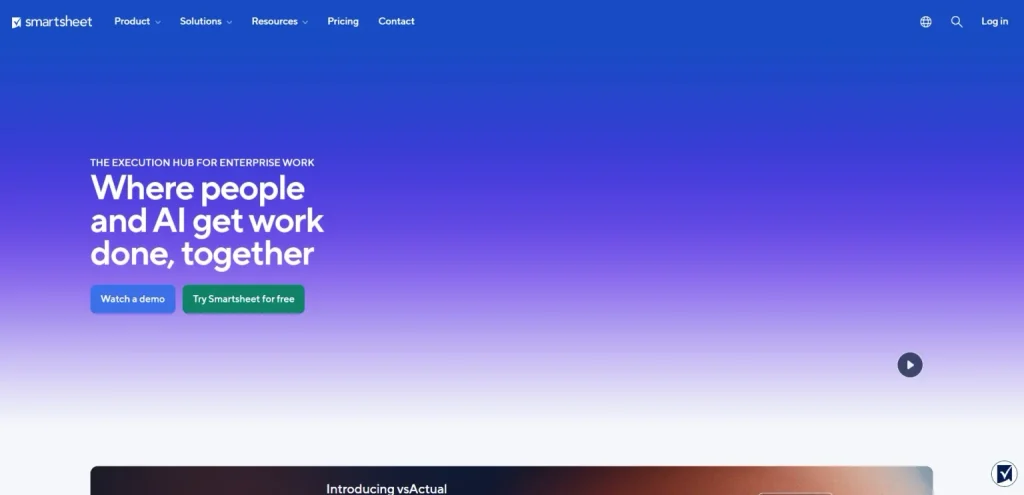
Smartsheet gives teams a familiar spreadsheet-style interface and adds Gantt charts, boards, automated workflows, and dashboards. People who are comfortable with Excel can start quickly without heavy training.
It works well for operations teams, PMOs, and businesses that want structured, standardized processes. It is less visual than some newer tools, and large or complex sheets can become hard to manage without clear conventions.
Key Features:
- Grid, Gantt, And Card Views
- Automated Workflows
- Dashboards And Reports
- Project Templates
- Microsoft And Google Integrations
Pros:
- Familiar Spreadsheet Feel
- Strong Automation
- Good For Standard Processes
Cons:
- Less Visual
- Can Get Messy At Scale
- Advanced Features Cost Extra
Pricing:
- Pro: $12 per member/month
- Business: $24 per member/month
- Enterprise: Custom pricing
- Advanced Work Management: Custom pricing
6. Microsoft Project
- Website:https://www.microsoft.com/en-us/microsoft-365/project/project-management-software
- Best for: Teams using Microsoft 365 that need advanced scheduling and resource management
Microsoft Project offers advanced scheduling, dependency management, and resource planning, with direct sync to Planner and Microsoft Teams. It is a long-established choice for complex projects and enterprise portfolios.
Organizations already using Microsoft 365 benefit from tight integration with Office tools. It has a steeper learning curve than simple task tools and no true free plan, though Microsoft Planner offers lighter planning inside Microsoft 365.
Key Features:
- Advanced Scheduling
- Resource Management
- Gantt Charts
- Microsoft Teams And Planner Sync
- Portfolio Features
Pros:
- Powerful Scheduling
- Deep Microsoft Integration
- Good For Enterprises
Cons:
- Steeper Learning Curve
- No Free Plan
- Costs Rise On Higher Plans
Pricing:
- Project Professional 2024: $1,129.99 (one-time purchase)
- Project Standard 2024: $679.99 (one-time purchase)
7. Teamwork
- Website: https://www.teamwork.com/
- Best for: Agencies and service businesses that manage client projects and bill for time
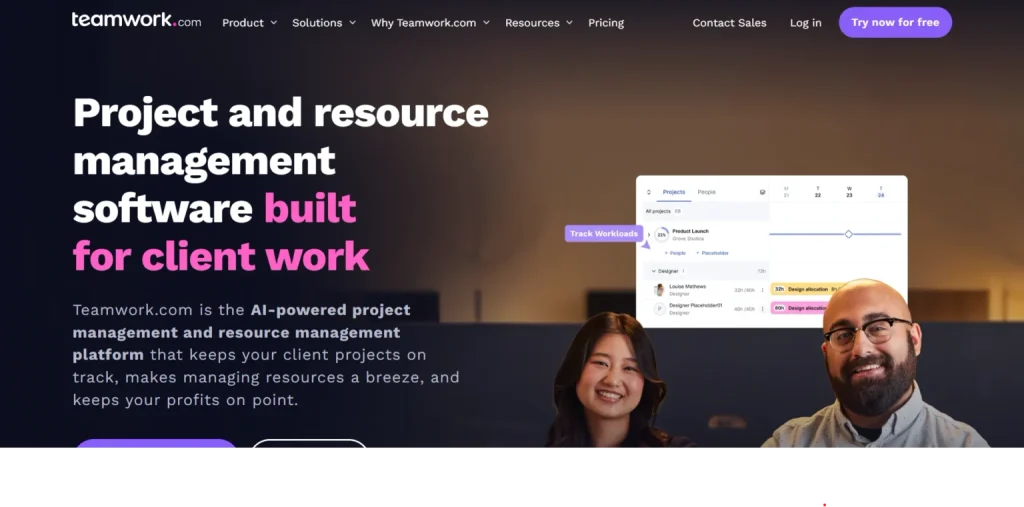
Teamwork is built for client-facing project delivery, combining task management, time tracking, billing, and client portals in one platform. It helps agencies and consultancies track project profitability next to progress.
It offers Gantt charts, task dependencies, milestones, and workload management. The free plan is limited to five users and five projects, so growing teams need to upgrade, and the interface can feel busy at first.
Key Features:
- Task And Project Management
- Time Tracking And Billing
- Client Portals
- Gantt Charts
- Workload Management
Pros:
- Great For Client Work
- Strong Time Tracking
- Free Plan Available
Cons:
- Free Plan Has Limits
- Interface Can Feel Busy
- Higher Tiers Cost More
Pricing:
- Basics: $13.99 per user/month
- Accelerate: $29.99 per user/month
- Optimize: Contact for pricing
- Enterprise: Contact for pricing
8. Zoho Projects
- Website: https://www.zoho.com/projects/
- Best for: Small teams looking for affordable project management, especially Zoho users
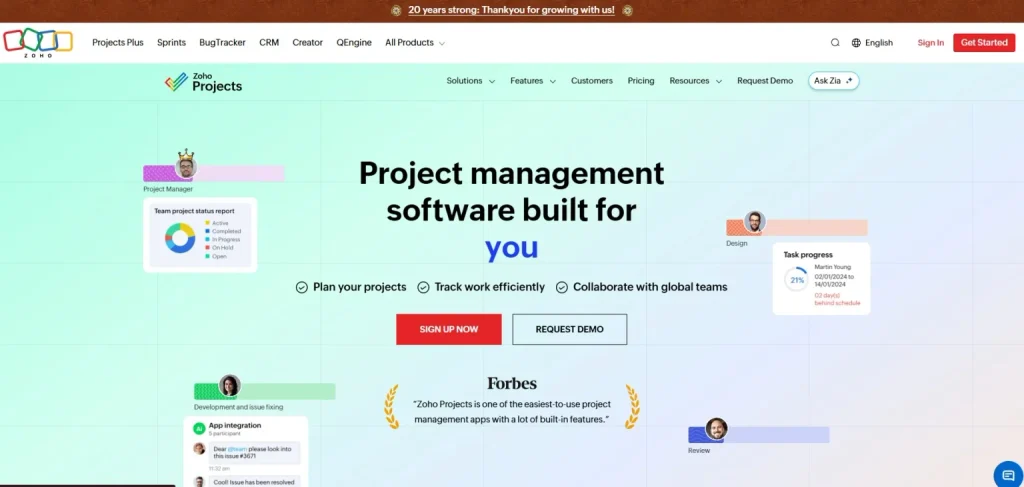
Zoho Projects offers task management, Gantt charts, time tracking, issue tracking, and document management at one of the lowest prices in the category. It connects well with Zoho CRM, Books, and other apps in the Zoho suite.
A free plan supports a small team and a few projects, and paid plans unlock automation and timesheets. Reviewers note that its resource management and reporting are lighter than in more advanced tools.
Key Features:
- Task And Issue Tracking
- Gantt Charts
- Time Tracking
- Document Management
- Zoho Suite Integration
Pros:
- Very Affordable
- Free Plan Available
- Good For Zoho Users
Cons:
- Lighter Resource Management
- Basic Reporting
- Best Inside Zoho Ecosystem
Pricing:
- Free: ₹0 (up to 5 users)
- Premium: ₹350 per user/month
- Enterprise: ₹700 per user/month
9. Airtable
- Website: https://www.airtable.com/
- Best for: Teams that need database-driven projects and connected data
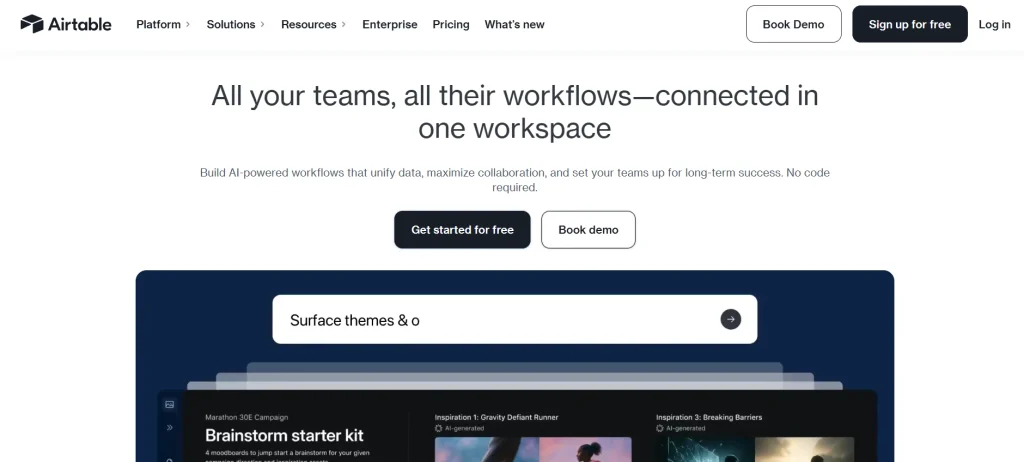
Airtable combines a spreadsheet-like interface with a relational database, which makes it very flexible for tracking projects, content, and resources. Teams can view the same data as a grid, Kanban board, calendar, or Gantt chart.
It is strong for connecting data across projects and building custom workflows, and its newer AI tools add more automation. It takes some setup to design the structure, and costs can rise on larger teams.
Key Features:
- Relational Database Structure
- Multiple Views
- Automations
- Interface Builder
- AI Features
Pros:
- Very Flexible
- Connected Data
- Free Plan Available
Cons:
- Needs Structure Design
- Free Plan Record Limits
- Costs Rise With Seats
Pricing:
- Free: Free
- Team: $20 per seat/month
- Business: $45 per seat/month
- Enterprise Scale: Custom pricing
Read More:
10. Hive
- Website: https://hive.com/
- Best for: Marketing teams and creative agencies that need chat, proofing, and project views together
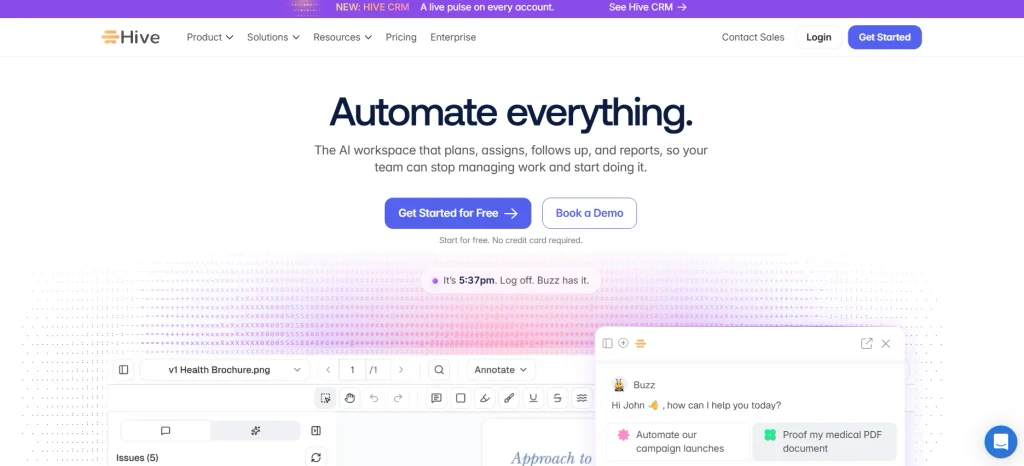
Hive is a project management platform popular with marketing and creative teams. It offers multiple project views, including Gantt and Kanban, along with time tracking, resource management, native chat, and proofing workflows.
Having messaging and proofing inside the tool reduces switching between apps. It suits agencies and in-house creative teams, though very large enterprises with complex portfolio needs may want a more advanced platform.
Key Features:
- Gantt And Kanban Views
- Native Chat
- Proofing And Approvals
- Time Tracking
- Resource Management
Pros:
- Good For Creative Teams
- Built-In Chat And Proofing
- Free Plan Available
Cons:
- Less Suited To Enterprise Portfolios
- Smaller Ecosystem
- Costs Rise With Features
Pricing:
- Free: $0 (free forever)
- Starter: $7 per user/month
- Teams: $18 per user/month
- Enterprise: Contact sales for pricing
11. ProjectManager
- Website: https://www.projectmanager.com/
- Best for: Teams that need Gantt-based planning, reporting, and portfolio tracking
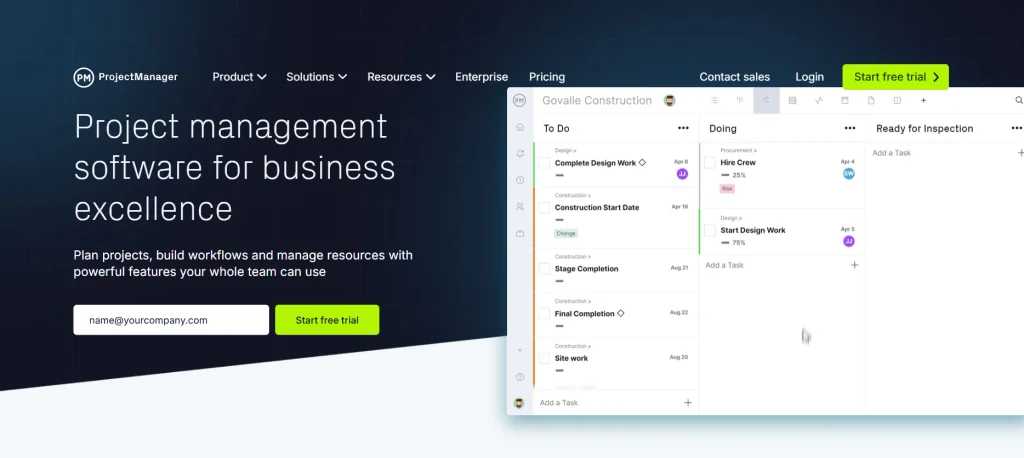
ProjectManager is an online project management tool that offers robust Gantt charts, kanban boards, workload features, and reporting capabilities. The tool is ideal for teams that work with timelines and dependencies.
The software also provides timesheets, dashboards, and Mac compatibility to help transition away from desktop-based solutions. It has a more traditional appearance than some of the newer visual platforms, and there is a free trial to determine whether it is worth the investment.
Key Features:
- Gantt Charts
- Kanban Boards
- Workload Management
- Timesheets
- Real-Time Dashboards
Pros:
- Strong Gantt Planning
- Good Reporting
- Works On Mac And Web
Cons:
- More Traditional Interface
- No Permanent Free Plan
- Advanced Features On Higher Plans
Pricing:
- Team: $18 per user/month
- Business: $32 per user/month
- Enterprise: Contact for pricing
12. TeamGantt
- Website: https://www.teamgantt.com/
- Best for: Teams and agencies that need simple, visual Gantt chart planning
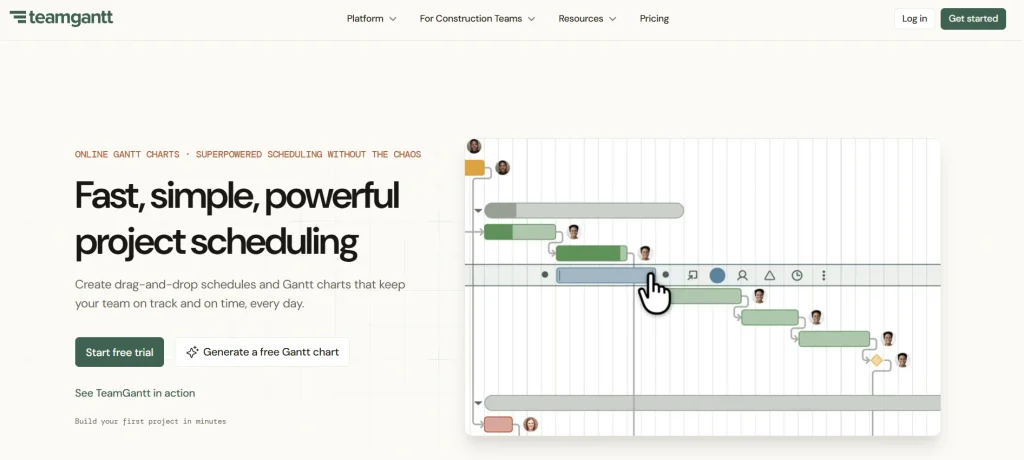
TeamGantt focuses on easy, drag-and-drop Gantt charts for non-experts who need to quickly plan schedules, balance workloads to avoid over-allocating resources, track time, and use templates to speed up planning.
It is suitable for agencies and small teams prioritizing timelines over bloat, offering less in the way of enterprise-level resource management and portfolio reporting than big names in the space.
Key Features:
- Drag-And-Drop Gantt Charts
- Workload Management
- Time Tracking
- Project Templates
- Reporting
Pros:
- Very Easy Gantt Planning
- Clean Interface
- Useful Templates
Cons:
- Lighter Advanced Features
- Limited Portfolio Tools
- Less Suitable for Complex Enterprise Projects
Pricing:
- Base: ₹1,111/month
- Business: ₹2,750/month
- Builder Edition: ₹4,162.08/month
13. Paymo
- Website: https://www.paymoapp.com/
- Best for: Freelancers and small businesses that need project management with time tracking and invoicing
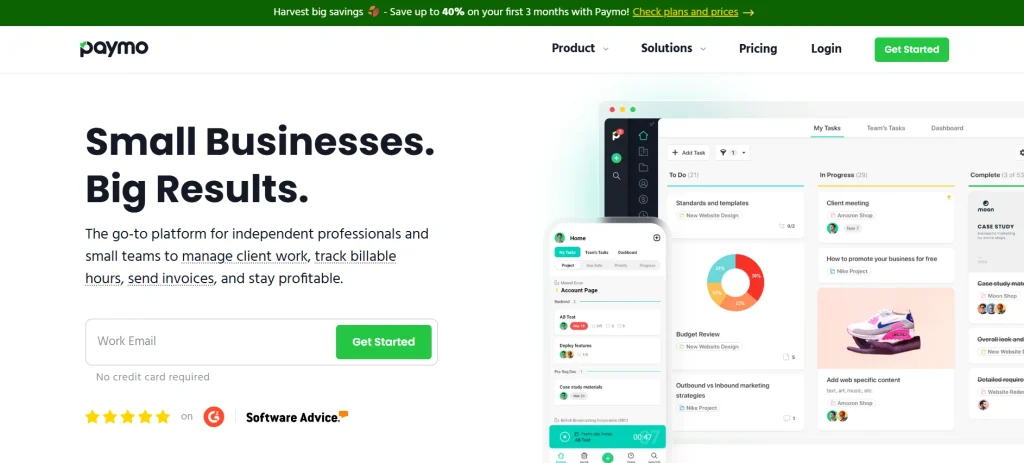
Paymo is project management software that lets users track time, send invoices, and schedule their team. The tool helps small businesses and contractors manage and organize their expenses and track the time spent on a specific task.
The software can be easily integrated with other programs and is affordable for small businesses and contractors. However, it lacks some advanced project management features, so it may be outgrown as the team becomes bigger and more complex.
Key Features:
- Task And Project Management
- Time Tracking
- Invoicing
- Team Scheduling
- Reports
Pros:
- Time Tracking And Invoicing Together
- Good For Freelancers
- Affordable
Cons:
- Fewer Advanced Features
- Smaller Ecosystem
- Limited Enterprise Tools
Pricing:
- Free: $0/month
- Solo: $5.90/month
- Plus: $10.90 per user/month
- Pro: $16.90 per user/month
14. Basecamp
- Website: https://basecamp.com/
- Best for: Small teams and agencies that want a simple place for projects and communication
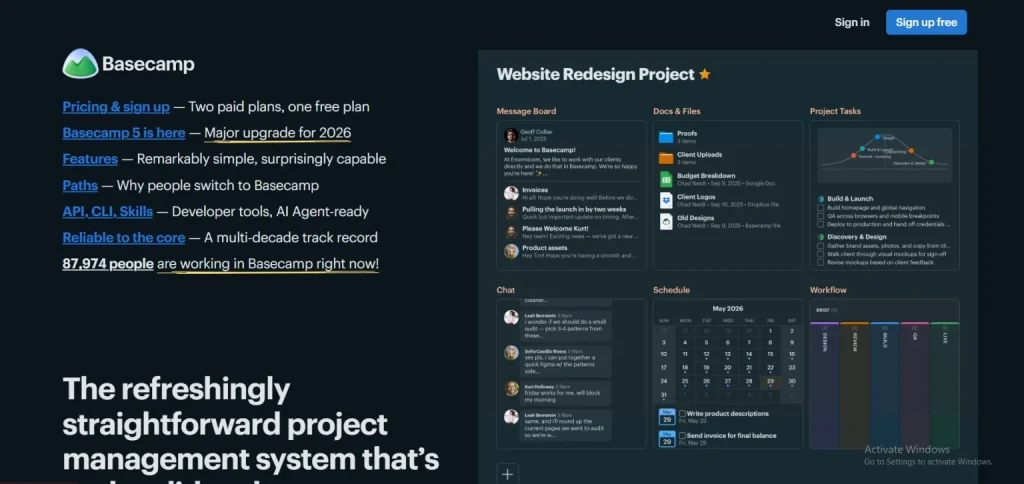
Basecamp organizes each project into message boards, to-do lists, schedules, docs, and file storage. It has the advantage of limiting options, thus being less complex for smaller teams and for sharing work with clients.
Its pricing is unusual since it offers both a per-user and an unlimited user plan for higher plans, which can be cost-effective for larger teams. It has fewer advanced features, such as detailed Gantt charts and reporting, than some competitors.
Key Features:
- Message Boards
- To-Do Lists
- Schedules And Docs
- File Storage
- Client Access
Pros:
- Simple And Clear
- Flat Pricing Option
- Good For Client Work
Cons:
- Limited Advanced Features
- Basic Reporting
- Fewer Integrations
Pricing:
- Free: $0/month
- Studio: $59/month
- Pro: $99/month
- Unlimited: $299/month
15. Trello
- Website: https://trello.com/
- Best for: Individuals and small teams managing simple projects with Kanban boards
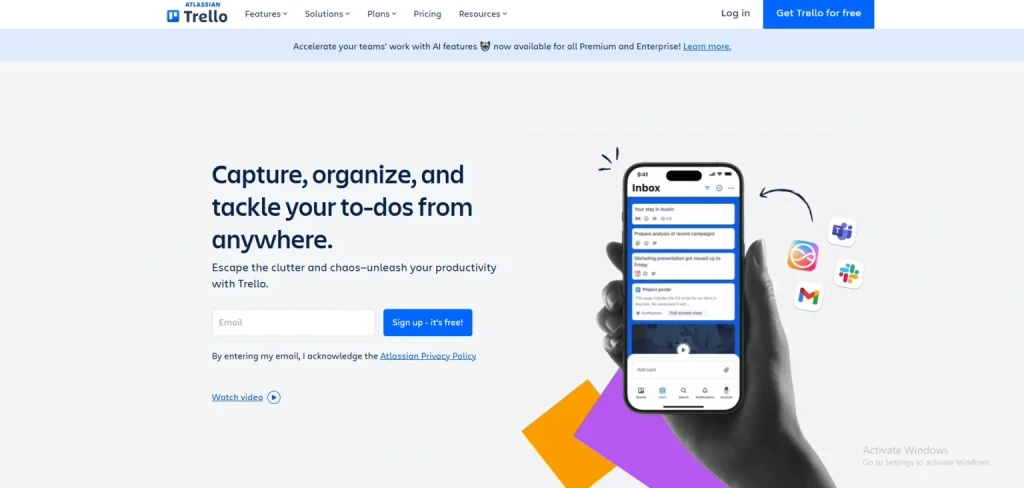
Trello is a project management tool that uses boards, lists, and cards to help teams visualize their work. Users drag cards from one column to another to indicate progress and customize cards with checklists, due dates, attachments, and comments.
Trello is easy to set up and works well for simple projects, but Power-Ups and integrations extend its capabilities with features such as calendars and automation. It offers fewer built-in options for complex projects that require detailed planning, resource management, and reporting.
Key Features:
- Kanban Boards
- Cards With Checklists
- Power-Ups
- Butler Automation
- Easy Sharing
Pros:
- Very Easy To Learn
- Free Plan Available
- Highly Visual
Cons:
- Limited For Complex Projects
- Basic Reporting
- Power-Ups Needed For More
Pricing:
- Free: $0
- Standard: $5 /user/month
- Premium: $10 /user/month
- Enterprise: $17.50 /user/month
How Much Does Project Management Software Cost?
Project management tools range from free plans to enterprise contracts. Prices below are approximate and based on 2026 public comparisons.
- Free plans: Asana, ClickUp, Trello, Teamwork, Zoho Projects, Airtable, Hive, Paymo, and Wrike offer free tiers with limits on users, projects, or features.
- Budget tools (Zoho Projects, Trello, ClickUp): roughly $4 to $12 per user per month.
- Mainstream platforms (monday.com, Asana, Smartsheet, Wrike, Teamwork, Microsoft Project): roughly $9 to $25 per user per month.
- Enterprise plans (Wrike Enterprise, Smartsheet Enterprise, advanced Microsoft Project plans): custom quotes based on users and features.
Always check seat minimums, free plan limits, and add-ons such as time tracking, portfolios, and advanced reports, since these can raise the real cost.
How To Choose The Right Project Management Software?
The best tool depends on your team size, project complexity, and how you like to plan work. A freelancer, an agency, and an enterprise PMO each need something different.
- Project Type: Simple task lists suit Trello or Asana, timeline-heavy work suits Gantt tools such as TeamGantt or ProjectManager, and client billing suits Teamwork or Paymo.
- Budget: Look beyond the starting price. Check free plan limits, seat minimums, and the cost of extras such as time tracking and automation.
- Features: Match the tool to your needs, such as dependencies, workload, time tracking, or reporting, instead of paying for features you will not use.
- Team Size & Growth: Small teams can start with simple tools, while larger teams need permissions, reporting, and portfolio views.
- Integrations & Ease Of Use: Make sure it connects with your chat, storage, and B2B CRM tools, and test it with a real project so you know your team will use it.
Common Mistakes To Avoid When Choosing Project Management Software
Many teams buy a tool and then drop it a few months later. Avoid these common mistakes.
- Choosing The Most Powerful Tool: A complex tool can slow a small team down. Pick the simplest one that covers your needs.
- Ignoring Free Plan Limits: User, project, and storage limits can force an upgrade sooner than you expect.
- Skipping A Pilot Project: Run a real project in the tool, including planning, updates, and reporting, before you commit.
- Over-Customizing Too Early: Too many fields, statuses, and views make work harder to follow, so start simple.
- Forgetting Integrations: If the tool does not connect with your chat, files, and calendar, updates become manual and teams stop using it.
- No Team Training Or Rules: Agree on how tasks are created, named, and updated, and train the team so everyone uses the tool the same way.
Conclusion
Project management software helps teams plan clearly, track progress, and finish work on time. monday.com, Asana, ClickUp, and Wrike are strong all-round platforms, while Smartsheet, Microsoft Project, and ProjectManager suit structured and scheduling-heavy work. Teamwork, Paymo, and Hive fit client-facing and creative teams, Zoho Projects and Airtable offer flexibility and value, and Basecamp, Trello, and TeamGantt keep things simple.
By comparing project type, budget, features, team size, and integrations, you can choose the platform that fits today and grows with you. Shortlist two or three tools, use the free plans or trials with a real project, and involve your team in the final decision.
FAQs
Q1: What Is The Best Project Management Software In 2026?
There is no single best tool. monday.com and Asana are strong for ease of use, ClickUp for flexibility and price, Wrike and Smartsheet for structured work, and Microsoft Project for advanced scheduling. The best choice depends on your team and projects.
Q2: What Is The Best Free Project Management Software?
ClickUp, Asana, Trello, Zoho Projects, Teamwork, Airtable, and Hive all offer free plans. Free plans usually limit users, projects, storage, or features, so check those limits against your needs.
Q3: What Is The Difference Between Project Management And Task Management Software?
Task management tools track individual to-dos, while project management software also handles timelines, dependencies, workload, budgets, and reporting across many tasks. Many platforms, such as Asana and ClickUp, cover both.
Q4: Which Project Management Software Is Best For Small Businesses And Freelancers?
Trello, Zoho Projects, Paymo, ClickUp, and Basecamp are popular with small businesses and freelancers because they are affordable and quick to set up. Paymo and Teamwork also help with time tracking and client billing.
Q5: Which Project Management Software Is Best For Large Teams And Enterprises?
Wrike, Smartsheet, Microsoft Project, and monday.com Enterprise are common choices for larger organizations because they offer permissions, reporting, and portfolio features. Enterprises should also check security, support, and integration needs.